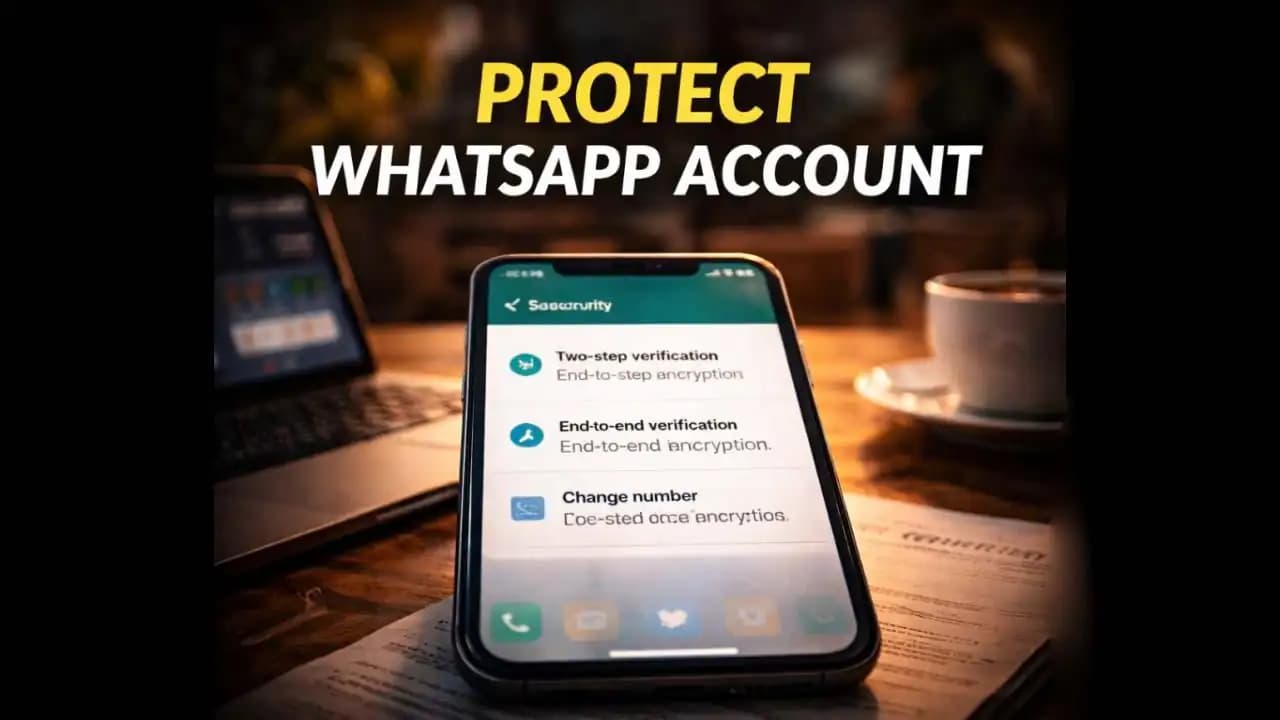
Protect WhatsApp account security by understanding how easily accounts can be targeted if basic protections are ignored. Many users only realize the importance of security settings after something unusual happens a strange message appears in their chats, friends say they received odd requests from their number, or they suddenly cannot log into their own account. In many cases, these situations begin with a small mistake: sharing a verification code, ignoring security alerts, or leaving key protections disabled.
WhatsApp is one of the most widely used messaging platforms in the world, which also makes it a frequent target for scammers. The good news is that protecting your Account usually requires only a few simple steps.
A Situation Many WhatsApp Users Encounter
For many people, the first warning sign appears Unexpectedly.
You receive a Message from a friend asking something unusual, like money for an emergency. Or someone tells you they received strange messages from your number that you never sent.
Then you try to open WhatsApp and suddenly see a notification saying your Account (1) is being registered on another device.
In other situations, users receive an SMS containing a Verification code they never requested.
A typical message might look like this:
“Your WhatsApp verification code is 845-219. Do not share this code with anyone.”
Minutes later, someone might send a message saying:
“I accidentally sent a code to your phone. Please forward it to me.”
This Simple trick has been used in many Account takeover Attempts.
The scam works because WhatsApp accounts are linked directly to phone numbers. Once someone obtains the Verification code, they can attempt to log in as the account owner.
Why WhatsApp Accounts Are Frequently Targeted
WhatsApp has become a central communication tool for millions of people.
Users rely on it for:
- Personal conversations
- Family groups
- Work messages
- Business communication
Because of this trust, attackers see WhatsApp accounts as valuable targets.
Once someone gains Access to an account, they can impersonate the owner and contact their friends or family.
A common scam message sent from hacked accounts might say:
“I’m in trouble and need urgent help. Can you send money quickly?”
Because the Message Appears to come from a familiar contact, people may respond without realizing the account has been compromised.
This is why attackers focus on gaining access in the first place.
Warning Signs Someone May Be Trying to Access Your Account
There are several clues that may suggest someone is attempting to access your WhatsApp account.
One of the most obvious is receiving a verification code without requesting it.
If WhatsApp sends you a login code and you were not trying to log in, someone else may be entering your number into the app.
Another sign is being suddenly logged out of your account.
This can happen if another device successfully registers your number.
Some users also notice unfamiliar activity such as:
- Messages appearing that they didn’t send
- Profile details being changed
- Unknown contacts being messaged
These signs often appear only after someone has already gained access.
Recognizing early Warnings can help prevent the situation from escalating.
Why Account Access Can Become Dangerous
Losing control of a WhatsApp account can create several risks.
The most immediate concern is impersonation.
Once scammers control an account, they may contact friends or family pretending to be the account owner.
They might send messages such as:
“I’m stuck and need help urgently. Can you transfer money?”
Because the request comes from a known number, people may trust it.
Another risk is access to personal conversations.
While WhatsApp encrypts Messages during transmission, someone using the account can still read new messages arriving after they gain access.
Attackers may also attempt to spread scams by sending Suspicious Links to Contacts.
These links could lead to phishing Websites or malicious downloads.
How WhatsApp Security Has Changed in 2024–2025
In 2024 and 2025, messaging platforms increased security protections due to rising account takeover scams.
WhatsApp introduced stronger login verification and additional alerts when someone attempts to register an account on a new device.
Users may now see warnings such as:
“Your account is being registered on another phone.”
The app also encourages users to enable two-step verification, which adds an additional PIN required during login.
This extra step makes it much harder for attackers to access an account, even if they manage to obtain the SMS verification code.
Security awareness has also increased globally as more people recognize common WhatsApp scams.
However, many users still leave important protection settings disabled.
Simple Ways to Protect Your WhatsApp Account
Improving WhatsApp security usually requires only a few minutes.
One of the most important steps is enabling two-step verification.
This feature adds a six-digit PIN that must be entered whenever your phone number is registered on a new device.
Even if someone obtains your verification code, they still cannot access the account without the PIN.
Another helpful step is being cautious with verification codes.
WhatsApp clearly states that these codes should never be shared with anyone.
If someone asks for your codeeven if they claim it was sent by mistakeit should always be treated as suspicious.
Users can also improve security by reviewing linked devices.
WhatsApp allows accounts to be connected to multiple devices, including computers. Checking the list of linked devices ensures that only authorized devices have access.
Keeping your phone secure also plays an important role.
Using screen locks, fingerprint authentication, or facial recognition can prevent others from Accessing WhatsApp directly from your device.
A Few Simple Habits Can Prevent Big Problems
Many WhatsApp account takeovers happen because attackers rely on small moments of confusion.
A simple request for a verification code or a rushed message can lead someone to share information without thinking.
Fortunately, protecting your account does not require advanced technical knowledge.
Understanding how attackers operateand enabling the security tools already built into the appcan dramatically reduce the risk.
Taking a few minutes today to review your WhatsApp security settings can prevent serious problems later.
In a world where Messaging apps play a central role in everyday communication, protecting your account is simply part of protecting your digital identity.
FAQ
How can I protect my WhatsApp account security?
You can protect your WhatsApp account security by enabling two-step verification, never sharing verification codes, reviewing linked devices regularly, and keeping your phone locked with a secure passcode.
What happens if someone gets my WhatsApp verification code?
If someone obtains your verification code, they may attempt to log into your WhatsApp account on another device. Enabling two-step verification adds an additional PIN that helps prevent unauthorized access.
Can someone hack my WhatsApp without the verification code?
In most cases, attackers need the SMS verification code to log into a WhatsApp account. That’s why many scams try to trick users into sharing this code.
How do I know if someone accessed my WhatsApp account?
Signs may include being logged out unexpectedly, seeing messages you didn’t send, or receiving alerts that your account is being registered on another device.