



About Mohammed Anjar Ahsan
Mohammed Anjar Ahsan is a PhD scholar at the National Defence University of Malaysia with a deep interest in how information shapes public understanding. Through SoftechAlert, he explores news, analysis, quizzes, and immersive web stories that help readers make sense of complex topics in a clear, engaging way.
SoftechAlert is built for curious minds, blending thoughtful journalism with modern storytelling formats to explain what’s happening, why it matters, and how it connects to everyday life. From in-depth analysis to interactive quizzes and visual web stories, the platform focuses on clarity, context, and meaningful insight rather than noise.
Driven by research, curiosity, and responsible storytelling, Mohammed aims to create content that informs, challenges perspectives, and encourages readers to think deeper without overwhelming them.
Latest From This Author

Fake Virus Notifications: How to Stop Browser Scam Alerts
Fake virus notifications can look like antivirus warnings, but they often come from websites you allowed to send alerts. Learn how to stop them and check your browser safely.

Got an Apple Spyware Threat Notification? What It Means
Apple spyware threat notifications can signal targeted mercenary spyware. Learn how to verify the alert, what it means, and what to do next to protect your iPhone from scams.

Fake CAPTCHA Scam: Why “I’m Not a Robot” Can Be Dangerous
Fake CAPTCHA scams turn “I’m not a robot” checks into malware traps. Learn the warning signs, how the Windows + R trick works, and what to do if you already followed it safely.

7 Hidden ChatGPT Features You're Not Using That Can Save Time
Discover hidden ChatGPT features that can improve productivity, organize ideas, simplify research, and streamline everyday digital workflows without requiring advanced technical skills.

Why Are People Receiving Verification Codes They Never Requested?
Receiving an unexpected verification code can be confusing. Learn why random OTP messages appear, what they mean, and how to protect your accounts and privacy.

Why Some Apps Continue Running Even After You Swipe Them Away
Apps running in background Android devices can continue syncing, tracking activity, showing notifications, and consuming battery even after users swipe them away.

AI Voice Scam Calls Are Becoming More Convincing in 2026
AI voice scam calls now imitate real people with alarming accuracy, making fake bank calls, family emergencies, and support scams harder for users to recognize.

These Android Apps Promise Hidden Features but Could Risk Your Privacy
Suspicious Android apps promising hidden features or premium unlocks may expose users to malware, tracking systems, risky permissions, and privacy threats.
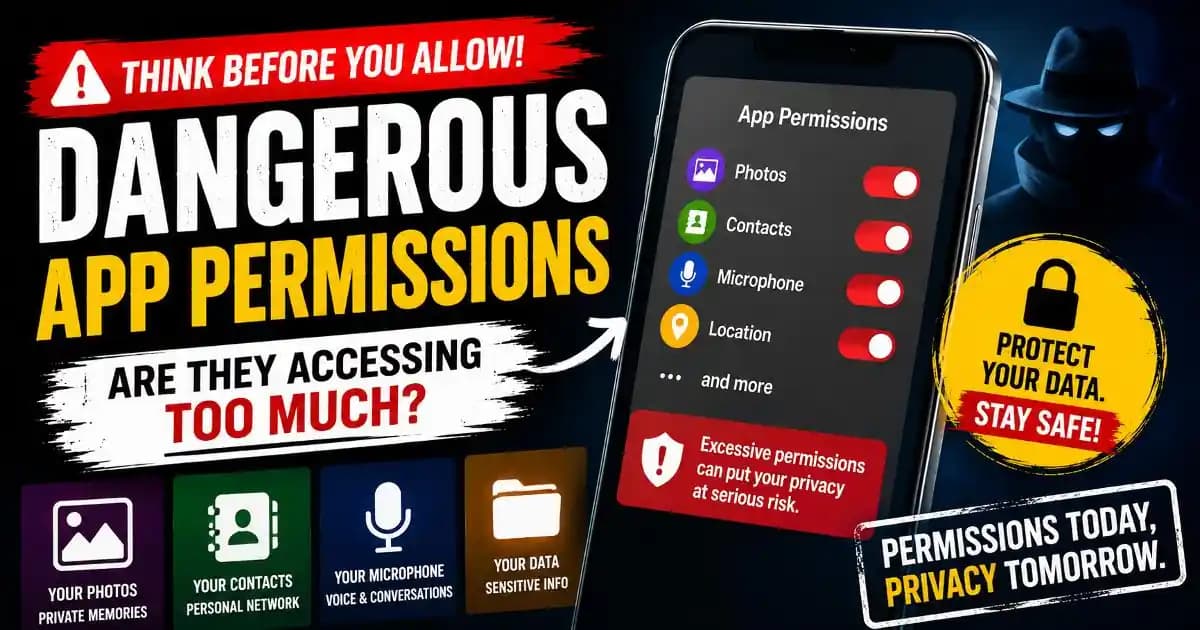
Why Apps Ask for Access to Photos, Contacts, and Microphone Together
Dangerous app permissions on Android and iPhone increasingly allow apps to access photos, contacts, microphones, and behavioral data users never expected to share.

Fake Customer Support Calls Are Becoming Harder to Recognize
Fake customer support scam calls now imitate banks, telecom companies, and online services using realistic scripts, urgency, and trust manipulation tactics.