Android Accessibility Service: A Useful Feature That Scammers Can Abuse
Android Accessibility Service is designed to make smartphones easier to use, but the same technology can become a security risk when a malicious application gains access to it. A banking app may appear completely normal while another application on the phone has permission to observe screen activity or interact with interface elements.
This is one reason Android banking malware has become more sophisticated than simply displaying fake login pages. Certain malicious applications attempt to use legitimate Android accessibility capabilities to monitor activity, automate interactions, and manipulate what happens on the screen.
The feature itself is not dangerous. Android provides Accessibility Services to support people with visual, hearing, motor, and other accessibility needs. Tools such as TalkBack and Switch Access help users navigate their devices. The problem begins when an unrelated or deceptive application requests access without a genuine accessibility purpose.
What Is an Android Accessibility Service?
An Accessibility Service is an Android component that helps an application provide alternative ways to interact with a device. It can support screen readers, voice control, switch-based navigation, and other assistive experiences.
For example, TalkBack provides spoken feedback about items displayed on the screen. A person who cannot easily see a button can hear its label and navigate through the interface using accessibility controls.
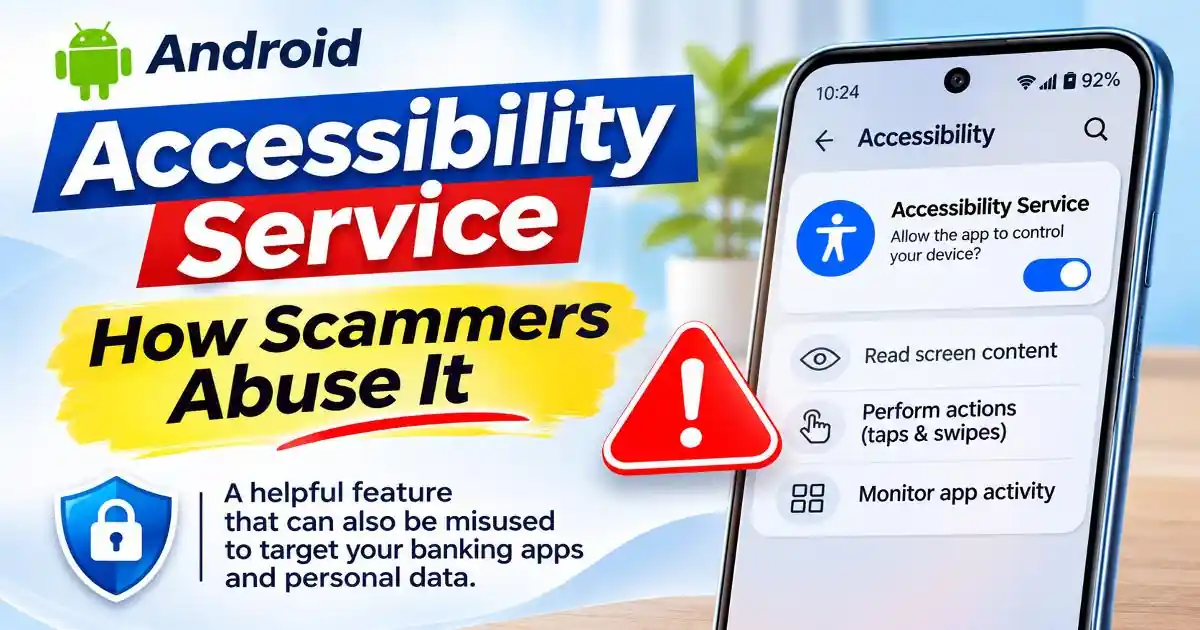
Unlike ordinary application permissions, an enabled Accessibility Service can receive selected interface events from the Android system. Depending on its configuration and granted capabilities, it may also inspect information from the active window or perform gestures such as taps and swipes.
These capabilities are useful for accessibility, but they also explain why the feature deserves careful attention. An application with inappropriate access could potentially observe sensitive interface information or interact with other applications in ways the user did not intend.
Google's Android developer documentation explains that Accessibility Services operate in the background and receive callbacks when relevant interface events occur. The information available depends on the service configuration and the capabilities it requests.
How Scammers Abuse Android Accessibility Permissions
Monitoring screen activity
Some malicious applications request Accessibility access because it can help them observe changes in the device interface. Depending on the service configuration, malware may receive information about the active screen, interface elements, and user interactions.
This can become particularly sensitive when a user opens a banking application, enters account information, or interacts with a verification screen. An attacker may attempt to collect information exposed through the interface and transmit it to a remote server.
However, Accessibility access does not automatically give every application unrestricted access to every password or private screen. The information available depends on Android protections, the service configuration, and the application involved.
Automating taps and screen interactions
Accessibility Services can support gestures and interface navigation. This is important for users who cannot easily operate a touchscreen manually.
Malicious software can abuse similar capabilities to perform unauthorized actions. For example, a banking Trojan may attempt to interact with buttons, navigate between screens, or approve interface actions after obtaining the necessary access.
CERT-In documented this behavior in its advisory about the SOVA Android banking Trojan targeting Indian banking customers. The advisory described capabilities including keystroke collection, MFA token interception, screenshots, and gestures such as screen clicks and swipes through Android Accessibility Services.
This does not mean that every accessibility application can transfer money or bypass banking authentication. Such activity depends on the malware's additional capabilities, the device configuration, and the security controls implemented by the financial application.
Displaying fake banking screens
Another technique used by banking malware is an overlay attack. A malicious application attempts to display a convincing interface over a legitimate banking application.
Imagine opening your bank's mobile application and seeing a login screen that looks familiar. You enter your credentials because you believe you are interacting with the bank. In reality, the displayed screen may have been created by malicious software.
Accessibility capabilities can help malware detect when targeted applications are opened and coordinate its activity. Overlay attacks may also involve separate Android permissions and techniques, so they should not be confused with a capability automatically provided by Accessibility Services alone.
Abusing access to verification information
Banking Trojans may combine Accessibility access with SMS permissions, notification access, or other capabilities. This combination can expose verification information that appears during account login or financial transactions.
For example, if malware can observe a banking interaction and separately access an incoming verification message, attackers may attempt to use the information to compromise an account.
Android security therefore cannot be reduced to checking one permission. It is important to understand which applications have powerful access and whether those permissions match their advertised purpose.
Why Fake Apps Often Request Accessibility Access
Malicious applications rarely introduce themselves as banking Trojans. They may appear as delivery applications, PDF readers, job-search tools, loan services, system updates, or utility applications.
A common pattern begins with a link shared through WhatsApp, SMS, or a social media advertisement. The user is directed to download an APK file from a website rather than an official application store.
After installation, the application may claim that Accessibility access is required to complete setup, improve performance, verify the device, or activate an additional feature.
These explanations should be evaluated carefully. A simple calculator, wallpaper application, or PDF reader generally has no obvious reason to control other applications through Accessibility Services.
Google Play also restricts how developers use the Accessibility API. Applications that are genuinely designed to support people with disabilities can qualify as accessibility tools. Other applications using the API must follow applicable disclosure, consent, and declaration requirements. Google prohibits deceptive use and attempts to bypass Android security and privacy controls.
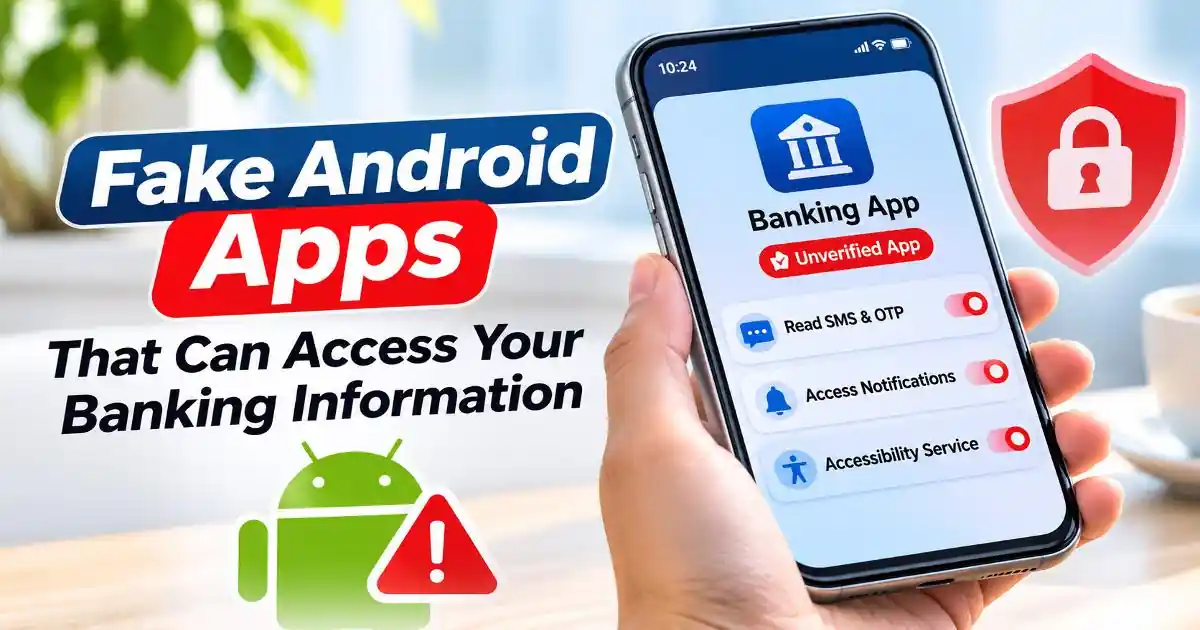
For more background, see our article on Fake Android Apps That Can Access Your Banking Information, which explains how fraudulent applications use social engineering and sensitive permissions to target financial information.
How to Check Which Apps Have Accessibility Access
You do not need a separate security application just to review enabled Accessibility Services. Android provides a settings area where users can inspect services that have been activated.
- Open Android Settings: Start from the main Settings application rather than following a link or button displayed by an unfamiliar application.
- Find Accessibility: Search for Accessibility in Settings if the menu is difficult to locate. On many devices, it appears under Accessibility or Additional Settings.
- Open installed or downloaded services: Look for a section named Installed apps, Downloaded apps, or Installed services. The wording depends on the Android version and phone manufacturer.
- Review unfamiliar applications: Check whether any application you do not recognize has an enabled Accessibility Service. Consider whether the service is genuinely needed for its advertised function.
- Disable suspicious access: If an untrusted application has unnecessary access, switch off its Accessibility Service. Do not disable legitimate assistive tools that you or another device user rely on.
- Uninstall the suspicious application: After revoking access, remove the application if you do not trust it. Run a Google Play Protect scan and review other sensitive permissions.
Settings navigation differs across Samsung, Realme, Xiaomi, Motorola, and other Android manufacturers. If the menu names are different, use the Settings search feature and search for Accessibility or Installed services.

What to Do If You Have Already Enabled a Suspicious Service
Discovering an unfamiliar enabled service does not automatically prove that financial information has been stolen. However, if you do not trust the application, it is sensible to treat the situation seriously.
Start by disconnecting the device from the internet if you suspect active malicious activity. Then review the enabled Accessibility Services and disable the suspicious one if Android allows it. Also inspect Device admin apps, notification access, display-over-other-apps permissions, and installed applications.
If an application prevents you from disabling its access or uninstalling it, seek help from your phone manufacturer's official support. Safe Mode may also help with troubleshooting because many Android devices temporarily disable downloaded applications in that mode.
Run Google Play Protect and install available Android security updates. If you entered banking credentials or approved a suspicious financial transaction, contact your bank immediately using its official customer support channel.
Change affected passwords using a trusted device. Review recent account activity and contact your bank about blocking access or disputing unauthorized transactions where necessary. In India, suspected financial cyber fraud can be reported through the 1930 helpline or the National Cyber Crime Reporting Portal at https://cybercrime.gov.in/.
If the phone appears seriously compromised, consider professional assistance or a factory reset after securing important information. A reset should not replace contacting your bank when financial accounts may be affected.
Can Google Play Protect Detect Accessibility Abuse?
Google Play Protect scans Android applications and helps identify potentially harmful software. Google also documents a specific Deceptive Accessibility Tool warning for applications that incorrectly present themselves as accessibility tools.
This warning is particularly relevant because it explains that certain applications may request broad device control and access personal or financial information without the user's knowledge.
However, Play Protect should be treated as one security layer rather than a guarantee that every malicious application will be detected. New malware variants, modified APK files, and changing attack methods can complicate detection.
Keeping Play Protect enabled, installing updates, downloading applications from trusted sources, and reviewing sensitive access settings together provide a stronger approach to mobile security.
Why Accessibility Security Matters for Banking and UPI Users
For Indian smartphone users, mobile banking and UPI applications are part of everyday financial activity. A compromised phone can create risks beyond ordinary privacy exposure if attackers obtain account credentials, intercept verification information, or manipulate interactions with financial applications.
It is important to remember that Accessibility Services do not automatically reveal a UPI PIN or bypass every banking security mechanism. Financial applications and Android versions use different protections, and successful fraud generally requires additional conditions or compromised information.
Nevertheless, allowing an unfamiliar application to observe or interact with sensitive screens creates an unnecessary risk. Users should be especially cautious when an APK received through WhatsApp or an unofficial website asks for Accessibility access as part of installation.
Understanding the Difference Between Accessibility and Accessibility Abuse
Accessibility features are essential technologies that help people use smartphones independently. Disabling all Accessibility Services would create unnecessary difficulties for users who depend on screen readers, switch controls, voice navigation, and other assistive tools.
The better approach is to understand which application is requesting access, why it needs the feature, and whether its behavior matches that purpose. A legitimate screen reader has a clear accessibility function. An unrelated application demanding broad control over the device deserves closer investigation.
Android users do not need to become security specialists to make safer decisions. Checking installed services, questioning unexpected permission requests, and responding quickly to suspicious activity can reduce the chances of a malicious application gaining unnecessary control over a phone.

Official Sources and Further Reading
- Android Developers: Create an Accessibility Service. https://developer.android.com/guide/topics/ui/accessibility/service
- Google Play: Use of the AccessibilityService API. https://support.google.com/googleplay/android-developer/answer/10964491
- Google for Developers: Developer Guidance for Google Play Protect Warnings, including Deceptive Accessibility Tool warnings. https://developers.google.com/android/play-protect/warning-dev-guidance
- CERT-In: SOVA Android Trojan Targeting Indian Banking Users, September 10, 2022. https://www.cert-in.org.in/s2cMainServlet?CACODE=CICA-2022-3093&pageid=PUBADV01
- CERT-In: Mobile-Based Malware: Methods and Countermeasures, May 30, 2022. https://www.cert-in.org.in/s2cMainServlet?VLCODE=CIAD-2022-0014&pageid=PUBVLNOTES02
- Cyber Swachhta Kendra: Nexus Android Banking Trojan. https://www.csk.gov.in/alerts/Nexus.html
Frequently Asked Questions
What is Android Accessibility Service used for?
It helps people interact with Android devices through screen readers, voice controls, alternative navigation, and other assistive features.
Can scammers control an Android phone through Accessibility access?
Malicious applications may use certain Accessibility capabilities to observe interface events and perform gestures. The actual level of control depends on the service configuration, Android protections, and other permissions.
Can Accessibility Services expose banking information?
They may expose sensitive interface information in certain circumstances. Some banking Trojans combine Accessibility capabilities with other permissions to target login details and verification information.
Should I disable every Accessibility Service on my phone?
No. Many legitimate services are essential for users with disabilities. Review unfamiliar services and disable only access that you do not recognize or trust.
How can I remove a malicious Android Accessibility Service?
Disable the suspicious service through Android Settings, uninstall its associated application, run Google Play Protect, and seek manufacturer support if the application prevents removal.