
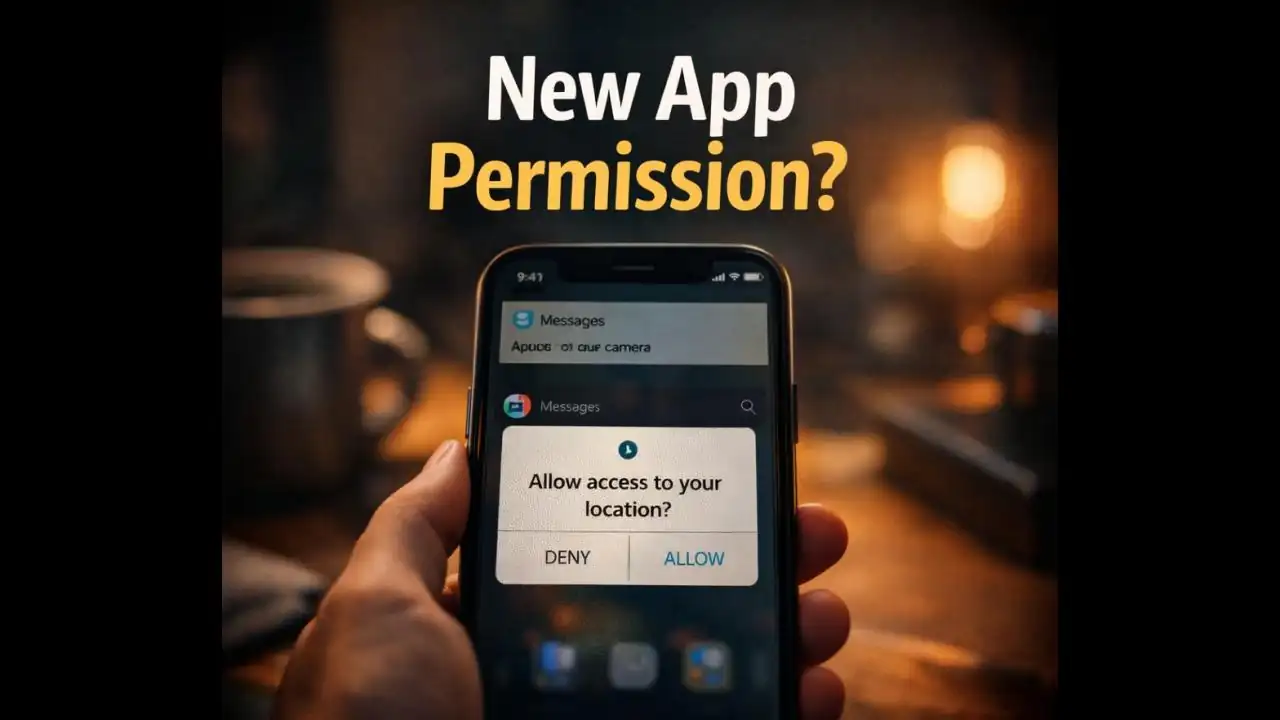
App permission after update requests often appear unexpectedly on your phone. You install an update for a familiar app maybe WhatsApp, Instagram, or a banking app and suddenly your phone asks for access to things like your contacts, location, or camera. For many users, this moment creates confusion. The app worked fine before, so why does it suddenly need more access now?
It’s a question many smartphone users have asked themselves in recent months. Sometimes the reason is completely legitimate. Other times, the Request deserves a closer look.
Understanding why apps request new permissions after updates can help you make smarter decisions about what you allow on your Device.
The Moment Many Users Notice Something Feels Off
Imagine a typical situation.
You open the Play Store or App Store and see a list of pending Updates. Maybe one of your frequently used apps like a delivery service or messaging platform has a new version available. You install it without thinking much about it.
Later that day, when you open the app again, a Message pops up on your screen:
“Allow access to your contacts?”
“Allow this app to use your location?”
“Allow microphone access?”
The request might seem surprising, especially if the app has never asked for that Permission before.
Some people instinctively tap Allow so they can continue using the app quickly. Others pause and wonder whether something has changed behind the scenes.
That moment of hesitation is actually a good sign.
Why Apps Sometimes Ask for New Permissions After Updates
In many cases, new permission requests appear because the app has introduced new features.
For example:
• A Messaging app might add voice Message features that require Microphone Access.
• A photo-sharing app might introduce Location tagging for posts.
• A Delivery app might improve Tracking features that need precise location data.
When developers add these capabilities, the app must Request the Permissions required for them to function.
This is why permission requests often appear right after an update rather than during the original installation.
Another reason involves changes in operating system rules. Both Android and iOS regularly update their privacy policies, requiring apps to request permissions more clearly or separately.
So sometimes, an update simply reflects a new Privacy rule rather than a new Data Collection effort.
The Warning Signs That Deserve a Second Look
While many permission requests are normal, some situations Should make users pause Before tapping “Allow.”
The permission seems unrelated to the app
One of the easiest ways to evaluate a permission request is to ask a Simple question:
Does this access make sense for the app?
For example:
• A navigation app Asking for location access is reasonable.
• A camera app asking for storage access is expected.
But if a flashlight app Suddenly asks for access to your contacts or microphone, that may feel unusual.
Not every strange request is malicious, but it’s worth considering why the app needs it.
The app recently changed ownership or developer
In recent years, some apps have been sold to new companies or merged with other services.
When this Happens, the updated version of the app may include new features or new data collection practices that require additional permissions.
Users often notice this change only after Installing an update.
The request appears immediately after installation without explanation
Well-designed apps usually explain why a permission is needed.
For example:
“Allow location access so we can show nearby stores.”
If the app asks for access without explaining how it will be used, some users feel understandably cautious.
Transparency often reflects good design.
Why Permission Requests Can Affect Your Privacy
Permissions determine how much of your phone’s information an app can access.
When you approve certain permissions, you may allow apps to view:
• Your contacts
• Your photos and videos
• Your microphone or camera
• Your location
• Your phone storage
In everyday use, this access often powers useful features.
But in the wrong hands, the same permissions could be used to collect Personal Data, track behavior, or build advertising profiles.
Most major apps from trusted companies follow strict privacy rules. However, smaller or less-known apps sometimes request broader access than they truly need.
This is why paying attention to permission requests is a simple but effective way to protect your digital privacy.
How App Permission Requests Have Changed in 2024–2025
In recent months, smartphone users have noticed that apps ask for permissions more frequently and more specifically.
This is partly due to changes introduced by modern mobile operating systems.
Both Android and iOS have introduced stronger privacy controls, including:
• Temporary permissions
• One-time location access
• Notifications showing when apps use the camera or microphone
These changes mean apps must request access more clearly, often prompting users after updates when features are used for the first time.
At the same time, privacy awareness among users has grown significantly during 2024 and early 2025.
Many people now review permissions more carefully rather than automatically approving them.
This shift has encouraged developers to explain permission requests more clearly within their apps.
Simple Ways to Stay in Control of App Permissions
You don’t need technical knowledge to manage permissions safely. A few simple habits can help you stay in control.
Pause before tapping “Allow”
Permission prompts often appear while you are trying to continue using an app quickly.
Taking a moment to read the request can help you understand whether it makes sense.
Check app permissions in your phone settings
Both Android and iOS allow users to see which apps have access to specific features like:
• Camera
• Microphone
• Location
• Contacts
Reviewing these lists occasionally helps you spot anything unusual.
Update apps from official stores only
Always install updates through trusted sources like the Google Play Store or Apple App Store.
These platforms review apps for Security issues and remove many Suspicious ones.
Remove apps you no longer use
Unused apps can still request updates and permissions.
If you haven’t opened an app in months, deleting it reduces unnecessary access to your device.
Read permission explanations inside the app
Many apps provide a short explanation before requesting access. These Messages help users understand how the permission improves functionality.
When developers communicate clearly, it’s usually a positive sign.
Small Decisions That Protect Your Digital Privacy
For most smartphone users, permission requests are just another small pop-up in a busy day.
But those small decisions shape how much information apps can access.
Approving permissions without thinking can gradually give dozens of apps access to your camera, contacts, location, and storage.
Taking a few seconds to review each request helps keep control where it belongs in your hands.
Most updates are harmless and designed to improve the app experience. But understanding why permissions appear after updates allows you to stay aware without feeling alarmed.
Your phone is one of the most personal devices you own.
Being mindful about what apps can access is one of the simplest ways to protect it.
FAQs
Why do apps ask for permissions after updates?
Apps sometimes request new permissions after updates because developers introduce new features that require access to your phone’s camera, microphone, location, or storage.
Is it safe to allow app permissions after an update?
In most cases, yes especially for well-known apps. However, you should check whether the requested permission makes sense for the app’s function.
Can I deny permissions and still use the app?
Many apps allow you to deny certain permissions while still using basic features. However, some functions may not work without the required access.
How can I check which permissions an app has on my phone?
You can review permissions through your phone’s settings. Both Android and iOS provide a section that lists apps with access to location, camera, microphone, contacts, and other features.
Official References & Citations
- "App Permission After Update: Why Apps Suddenly Ask for More Access Intelligence Briefing" — Softech Alert Security Intelligence
- "Cyber Threat & Scam Analysis Report" — Digital Defense Portal
- "Consumer Advisory on Web & Mobile Threats" — Security Guidelines