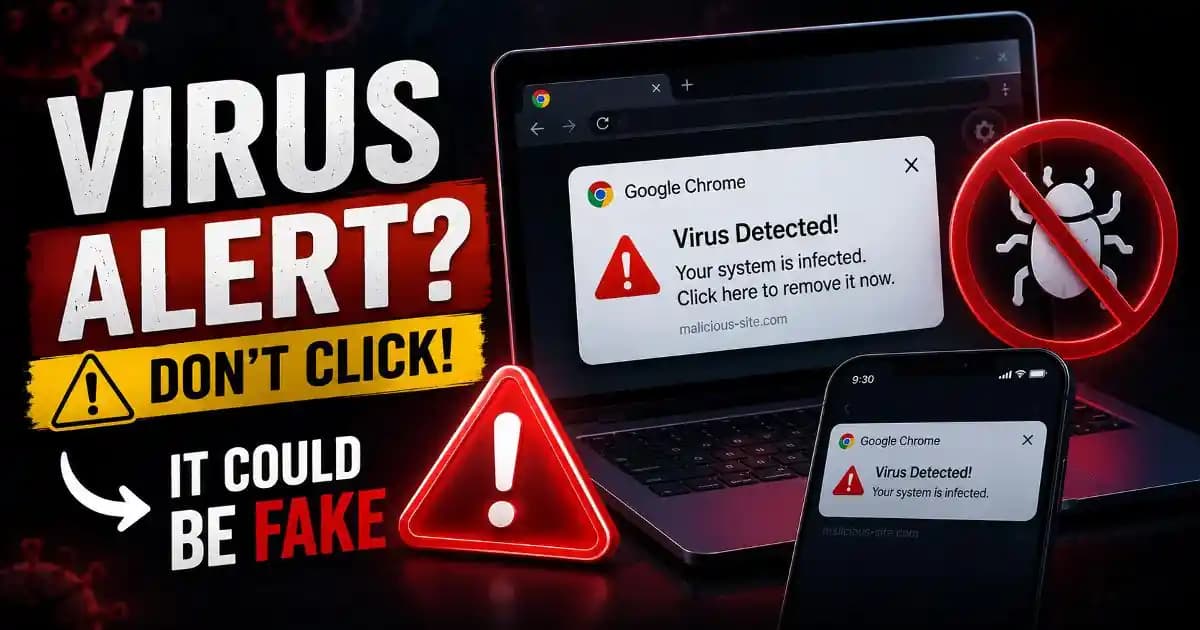
The Windows + R scam starts with something that looks surprisingly ordinary: a website tells you to press a familiar keyboard shortcut, paste something, and press Enter. The instructions may appear as a CAPTCHA, browser error, security verification, video fix, or urgent warning. What makes the trick dangerous is that the command being pasted may have been prepared by the attacker, turning a normal Windows feature into part of a malware delivery chain.
Microsoft describes ClickFix as a social-engineering technique that can use fake errors, CAPTCHAs, or urgent warnings to persuade users to copy, paste, and run commands through Windows Run, Windows Terminal, or PowerShell. The technique has also evolved beyond simple fake CAPTCHA pages, with campaigns using browser crashes, phishing pages, malvertising, and other believable situations to make the requested action seem legitimate. ([Microsoft][1])
What is the Windows + R scam?
The Windows + R scam is a social-engineering attack in which a victim is manipulated into opening the Windows Run dialog and executing a command supplied by an untrusted webpage or Message. The shortcut itself is completely legitimate. Pressing Windows + R simply opens a Windows interface designed to launch programs, files, folders, and commands.
The danger comes from what you are instructed to put into that box.
Attackers know that many people recognize Windows + R as a useful shortcut but do not necessarily know what every command does. Instead of asking a victim to download an obvious executable file, the scam attempts to make the victim execute instructions manually. Microsoft says ClickFix campaigns have used clipboard manipulation so that a malicious command can be placed on the clipboard and then pasted into Windows Run after the victim follows the instructions. ([Microsoft][1])
Why scammers use the Windows Run box
The Windows Run dialog is trusted Windows functionality. That makes it useful for legitimate administration, troubleshooting, and everyday tasks, but the same flexibility can be abused by attackers.
There is also a psychological advantage. A downloaded file can trigger a security warning or make a user hesitate. A command that appears inside a “verification” process can feel different. The victim may think they are fixing a browser problem rather than launching software.
Microsoft's analysis describes this as a deliberate attempt to exploit normal human problem-solving behavior. The attacker creates a small technical problem and immediately provides a “fix,” encouraging the victim to follow instructions without stopping to understand what the command actually does. ([Microsoft][2])
How the Windows + R scam usually works
The attack often begins somewhere that does not immediately look dangerous. You might arrive through a search result, advertisement, compromised website, phishing message, or a page pretending to belong to a familiar service.
The page then presents a problem. It might claim that your browser cannot play a video, that you need to verify you are human, that a security check failed, or that an application needs to be repaired.
The next instruction is the important part. Instead of asking you to solve a normal CAPTCHA or click a standard browser control, the page tells you to press Windows + R, paste something using Ctrl + V, and press Enter.
In some ClickFix campaigns, JavaScript places the attacker's command into the clipboard when the victim interacts with the page. The user may therefore believe they are copying harmless instructions when the clipboard actually contains something else. ([Microsoft][1])
Once the command is executed, it can use legitimate Windows components to retrieve or launch additional content. The resulting chain can lead to information-stealing malware, remote-access tools, scripts, or other malicious payloads.
Why “just paste this command” is a major warning sign
A website has no legitimate reason to require an ordinary visitor to open Windows Run and paste an unknown command simply to prove they are human, fix a webpage, or complete a CAPTCHA.
This is the simplest rule to remember: if a website tells you to open Windows + R and paste a command, stop.
Microsoft explicitly recommends educating users that legitimate CAPTCHA systems and error messages will not require them to open Windows Run or paste commands into a terminal. The FTC has issued similar consumer guidance about fake CAPTCHA scams that tell people to use Windows + R, Ctrl + V, and Enter, warning that following those instructions can install malware. ([Microsoft][1])
What happens after you run the command?
The result depends on the campaign and the payload delivered. The first command may download another script or program, contact an attacker-controlled server, establish persistence, or begin collecting information from the Device.
Recent Microsoft investigations show why this matters. In 2026, Microsoft described ClickFix activity delivering information-stealing malware capable of targeting browser credentials, authentication tokens, and sensitive enterprise documents. Other campaigns have used legitimate Windows utilities and obfuscated scripts to continue the infection after the initial user action. ([Microsoft][3])
That means the visible action may be tiny while the consequences can be much larger. A user may only remember pressing three keys and clicking a button, while the underlying infection continues through several stages.
Warning signs of a Windows + R scam
The most obvious warning sign is an instruction to use Windows + R during a browser verification or webpage troubleshooting process. Other clues can include a page telling you to copy something without showing exactly what it is, a message claiming your browser has suddenly failed, an urgent security warning that demands immediate action, or a fake CAPTCHA that behaves unlike a normal CAPTCHA.
Be especially suspicious if the page combines several of these techniques. Attackers often use familiar logos, professional-looking designs, fake browser messages, countdowns, or security language to create enough urgency that the victim stops questioning the instructions.
The wording is less important than the requested action. A page can look perfect and still be malicious. If it asks you to execute something outside the webpage, treat that as the security boundary that should not be crossed.
What if you already pasted the command?
If you opened Windows + R and pasted a command but did not execute it, close the Run dialog and do not press Enter. Avoid returning to the suspicious page, and consider clearing the browser tab or closing the browser entirely.
If you actually executed the command, take the situation more seriously. Disconnect the device from the internet if practical, then run a reputable security scan. Microsoft notes that ClickFix infections can leave remnants or system changes even after threats are detected, so keeping security software updated and performing a thorough scan is important. ([Microsoft][1])
The FTC similarly advises people who followed fake CAPTCHA instructions to disconnect from the internet, run a security scan, and protect accounts that may have been exposed. ([Consumer Advice][4])
If you entered passwords or sensitive information after running the command, change those credentials from a separate trusted device. Prioritize email, banking, cloud storage, work accounts, and other services that could be used to access additional information. Enable multi-factor authentication where available.
How to check Windows after a suspicious command
Start with Windows Security and review the protection history for detections or remediation actions. Make sure Microsoft Defender or your chosen security product has current definitions, then perform a thorough scan.
Also pay attention to unusual behavior. Unexpected browser redirects, new applications, strange pop-ups, unexplained performance changes, modified settings, or unfamiliar files can be useful clues. Microsoft lists symptoms such as slow performance, unexpected files or settings changes, freezing, crashing, and reduced storage as possible signs associated with ClickFix-related infections, although none of these symptoms alone proves that a device is infected. ([Microsoft][5])
For a work computer, do not assume that removing one detected file means the incident is finished. Contact your organization's IT or security team so they can check account activity, endpoint telemetry, and other systems that an ordinary user cannot see.
Why this scam is more than a fake CAPTCHA
Fake CAPTCHA pages are only one delivery method. The same basic technique can appear as a fake browser error, a document preview problem, a video-player issue, a meeting invitation, an application update, or a security warning.
That is why it is more useful to understand the Windows + R scam as a broader paste-and-run technique rather than memorizing one particular fake CAPTCHA design.
Microsoft reported in 2026 that attackers were adapting ClickFix with tactics such as deliberately crashing browsers and then presenting instructions that supposedly restore normal functionality. This shows how the social-engineering layer can change while the underlying goal remains the same: convince the user to execute the attacker's command. ([Microsoft][3])
How to avoid the Windows + R scam
The safest habit is to separate troubleshooting from command execution. A normal website can ask you to refresh a page, sign in, change a browser setting, or use a visible webpage control. It should not require you to copy and execute an unknown command on your computer.
Keep Windows, your browser, and security software updated. Be cautious with unfamiliar search results and advertisements, particularly when a page suddenly claims that something is broken. If a service genuinely requires software or an update, leave the suspicious page and obtain the software from the provider's official website or trusted application channel.
For businesses and remote workers, this should also become part of security training. Employees should know that “copy this command and press Enter” is not a normal browser troubleshooting procedure, even when the page uses familiar branding.
The Windows + R shortcut is not the problem
It is worth making one distinction clear: Windows + R itself is not dangerous. The Run dialog is a legitimate Windows feature used every day for administration and troubleshooting.
The problem is allowing an untrusted webpage to decide what you should execute through it.
That distinction makes the scam much easier to remember. You do not need to become an expert in PowerShell, Windows internals, or malware analysis to protect yourself. You only need to recognize that a website asking you to paste an unknown command into a system tool has crossed a line.
The next time a webpage says, “Press Windows + R, paste this, and press Enter,” stop before you do anything else. Close the page, verify the problem through a trusted source, and never execute a command simply because a website told you it will fix something.
The safest command is often the one you never paste.
[1]:"Behavior:Win32/ClickFix threat description - Microsoft Security Intelligence"
[2]: "Think before you Click(Fix): Analyzing the ClickFix social engineering technique | Microsoft Security Blog"
[3]: "New Clickfix variant ‘CrashFix’ deploying Python Remote Access Trojan | Microsoft Security Blog"
[4]: "How to spot a CAPTCHA scam | Consumer Advice"
[5]: "Trojan:Win32/ClickFix threat description - Microsoft Security Intelligence"