



About Dilshad Ahmad
Dilshad Ahmad is a content contributor at Quronfula, specializing in creating clear, engaging, and well-structured digital content. His work focuses on simplifying complex topics and delivering information in a way that is easy to understand and useful for readers.
He contributes across multiple content areas, including interactive quiz content, educational topics, and digital awareness subjects. His approach emphasizes clarity, accuracy, and user-focused content that enhances learning and engagement.
With a background in Electronics and Communication Engineering and an interest in structured problem-solving, Dilshad brings an analytical perspective to content creation. He focuses on maintaining consistency, reliability, and readability across all content.
Through his work, he aims to provide meaningful and accessible content that helps users learn, explore, and make informed decisions online.
Latest From This Author

Fake AI Apps on Android: 7 Ways to Check If They're Safe
Fake AI apps on Android can collect data, misuse permissions, or hide costly subscriptions. Learn how to check an AI app before installing it and spot common warning signs.
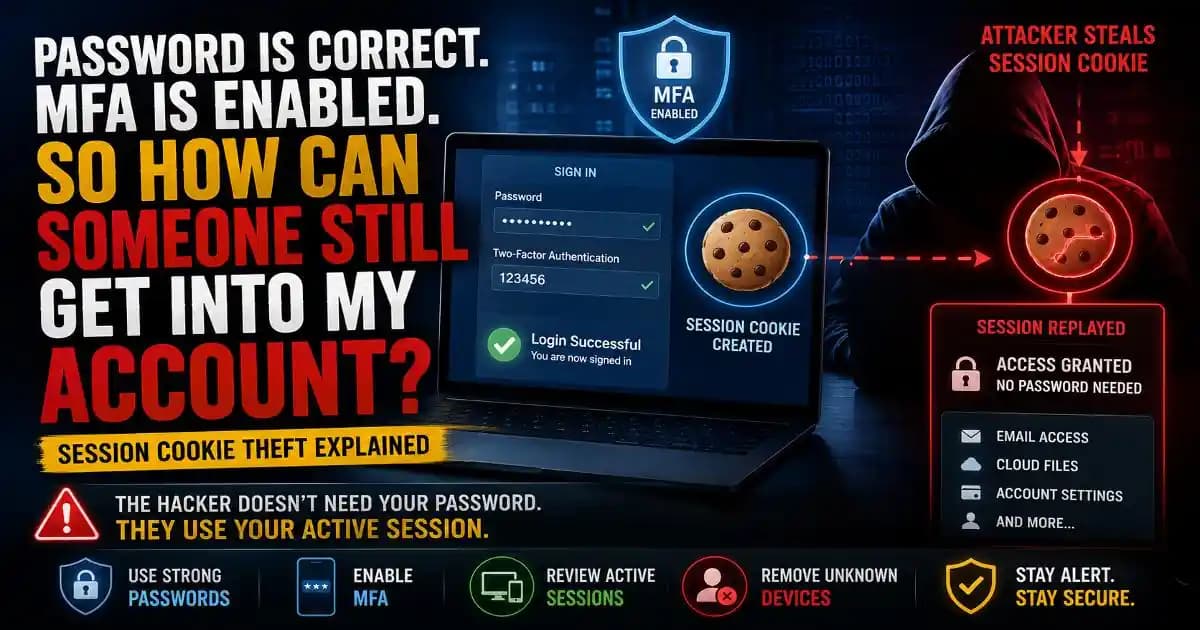
Can Hackers Steal Your Login Without Knowing Your Password?
Your password is correct and MFA is enabled, yet someone gets into your account. Learn how session cookie theft works, why MFA may not stop it, and how to secure your account after a suspicious login.
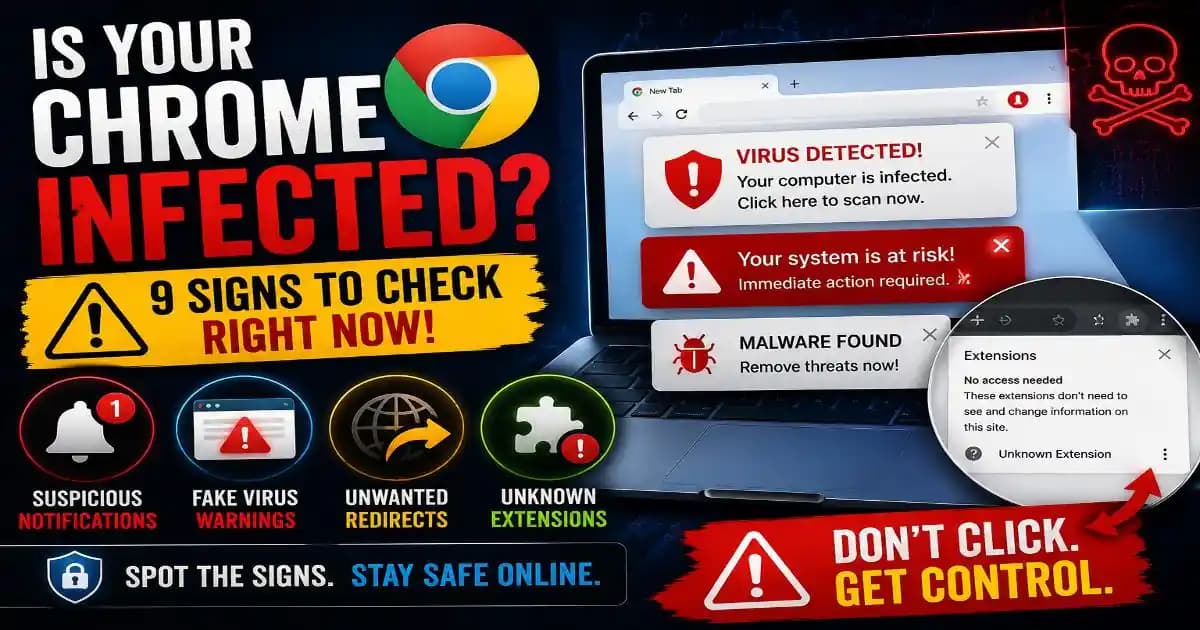
Is Your Chrome Browser Infected? 9 Signs to Check
Is your Chrome browser showing virus warnings, redirects, or unwanted notifications? Learn the signs of browser hijacking, what they mean, and how to safely clean up Chrome.

Windows + R Scam Explained: Never Paste Website Commands
Learn how the Windows + R scam works, why attackers abuse the Run box, how paste-and-run malware gets launched, and what to do if you already followed the instructions.
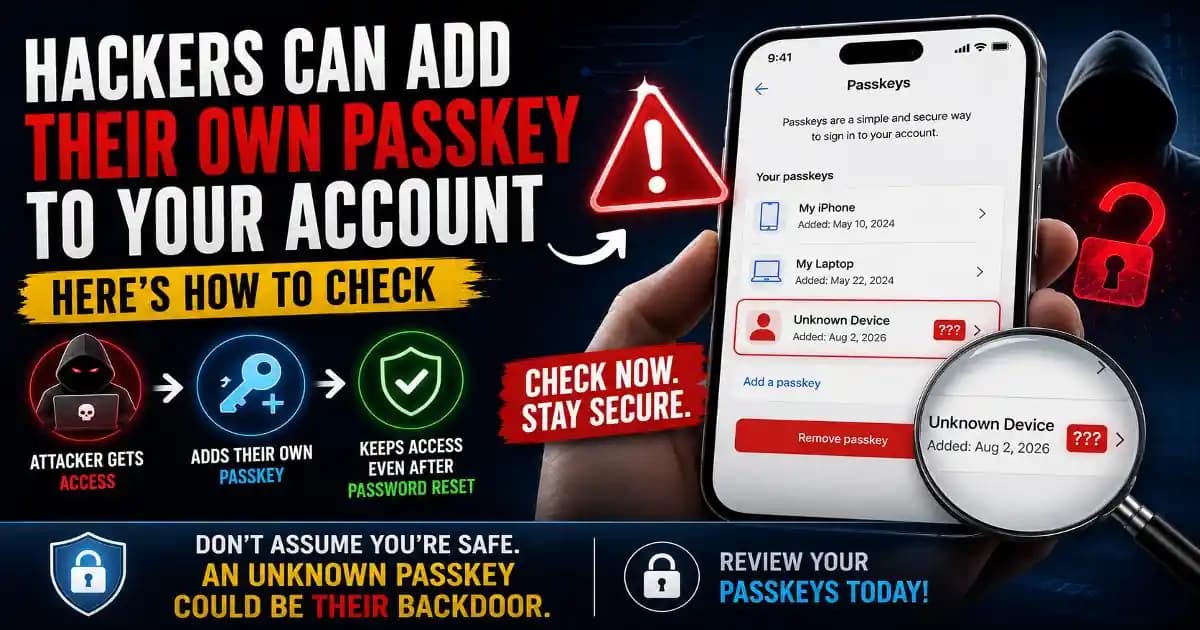
Unauthorized Passkey: Hackers Can Add Their Own to Your Account
Could an unauthorized passkey keep a hacker inside your account after a password reset? Learn how attacker-added passkeys work, what to check, and how to remove one safely.

Can AI Browser Agents Be Hacked? Security Risks Explained
Can AI Browser Agents Be Hacked? Learn how prompt injection, data exposure, unsafe actions, and browser access create new AI agent security risks and how to use agents more safely.

Malicious Chrome Extensions: 7 Warning Signs to Check Now
Malicious Chrome extensions can expose browsing data, passwords, and account details when permissions are abused. Learn seven warning signs and how to review or remove risky extensions safely.

Infostealer Malware Explained: Passwords, Cookies & Data
Infostealer malware can quietly steal passwords, cookies, browser data and session tokens. Learn how infections happen, what attackers target, and how to protect your accounts and device.
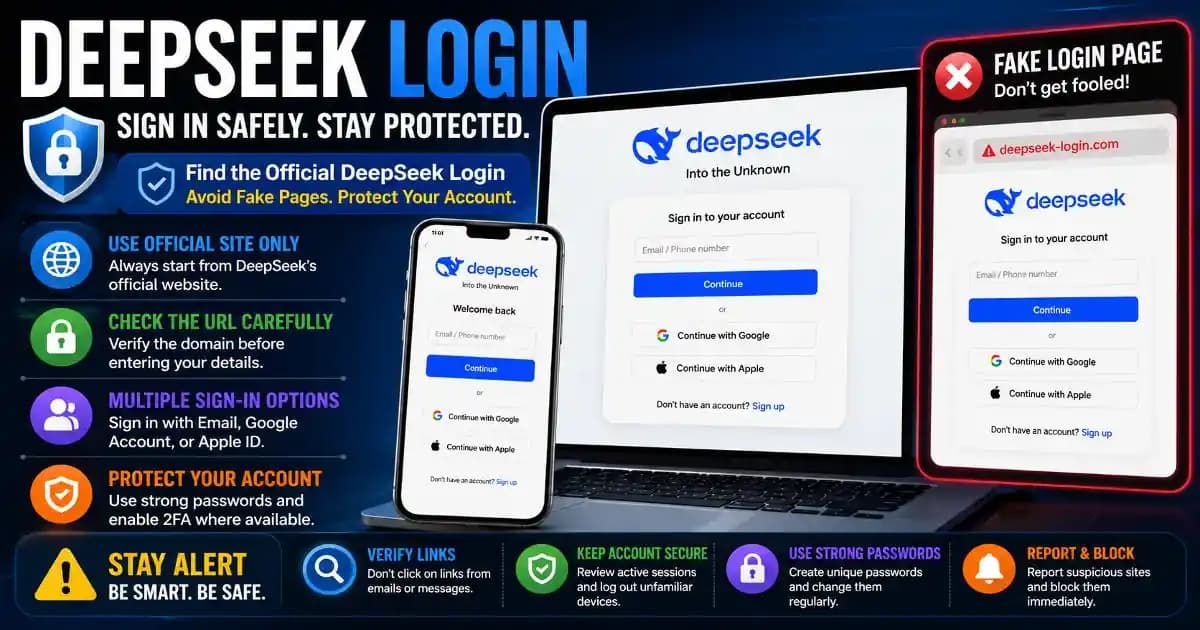
DeepSeek Login: How to Sign In Safely and Avoid Fake Pages
Looking for the DeepSeek login page? Learn how to find the official sign-in route, avoid fake login pages, troubleshoot access problems, and protect your DeepSeek account.
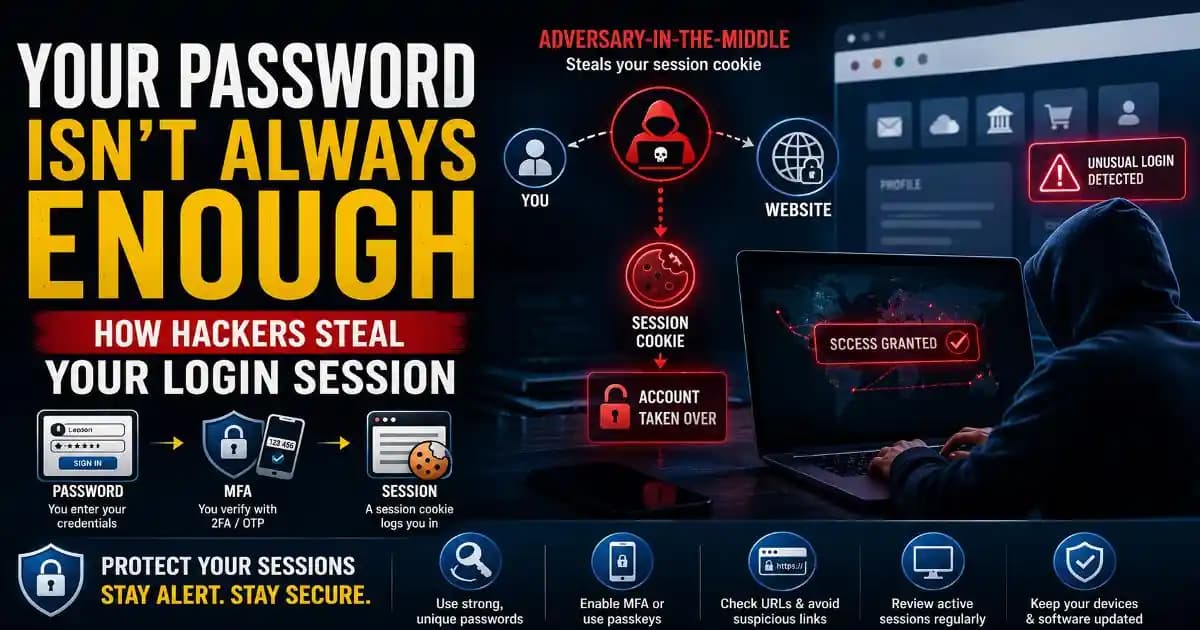
Session Cookie Theft: Why Your Password Is Not Enough Alone
Session cookie theft can let attackers hijack an authenticated login after MFA. Learn how AiTM phishing works, why passwords are not enough, and how to protect your accounts.