
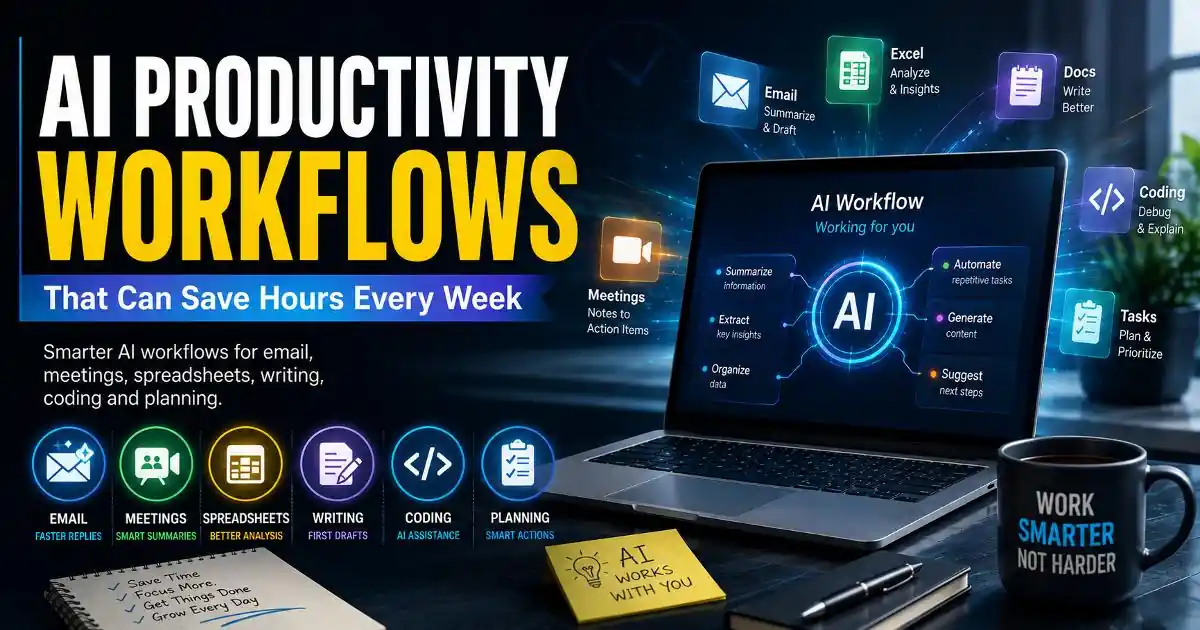
AI productivity workflows are becoming less about asking a chatbot random questions and more about quietly removing repetitive work from the systems people already use every day.
That distinction matters. Someone working in an office may not need another standalone AI application. They may need a faster way to turn meeting notes into follow-up tasks, summarize a long email thread, compare information in a spreadsheet, prepare a first draft, or organize scattered research.
The same pattern appears across different types of work. Students use AI to understand difficult material. Developers use it to explain code and investigate errors. Creators use it to organize ideas. Remote workers use it to reduce communication overhead. Small businesses use it to process information that would otherwise consume hours.
The useful question is therefore not simply, “Which AI tool is best?” It is, “Where does repetitive work slow me down, and can AI handle part of that process without reducing quality or control?”
Why AI productivity workflows are becoming more practical
Early AI productivity experiments often involved opening a chatbot, copying information into it, receiving an answer, and manually moving the result somewhere else. That can be useful, but it still leaves a surprising amount of work with the user.
Modern software is changing that pattern.
AI features are increasingly appearing inside email clients, office suites, project management systems, coding environments, browsers, meeting applications and cloud platforms. Microsoft has integrated AI capabilities into parts of its productivity ecosystem, Google has added AI features across Workspace and Android experiences, and developer platforms increasingly provide AI-assisted coding functions.
This creates a more natural workflow. Instead of treating AI as a separate destination, users can increasingly treat it as a layer inside existing software.
That is where meaningful time savings can appear.
AI for email can reduce communication overhead
Email is one of the easiest places to find repetitive digital work. A person may spend several minutes reading a long conversation simply to identify what another person wants, what has already been decided, and what needs to happen next.
An AI assistant can help summarize long threads, identify action items, suggest replies, or turn rough notes into a clearer message. The important part is not letting AI automatically send everything. Human review remains valuable because tone, context and confidential information can be difficult for a model to interpret correctly.
A useful workflow might therefore look like this: AI extracts the important points, the user checks them, and the final communication remains under human control.
This approach also reduces a common productivity problem: repeatedly switching between applications. When summarization and drafting happen where the email already exists, the workflow becomes shorter.
AI can turn meetings into usable work
Meetings often create a second layer of work after the meeting ends. Someone has to remember decisions, identify responsibilities and write follow-up messages.
AI meeting tools can help convert conversations into summaries and action items. For remote teams, this can be particularly useful because people may not have the time or ability to take detailed notes during every discussion.
But automated meeting summaries should be treated as working documents rather than perfect records. A model can misunderstand a speaker, confuse a tentative idea with a decision, or miss an important piece of context.
The best workflow is therefore collaborative: AI produces the first structured version, while the people responsible for the project verify decisions and deadlines.
AI for spreadsheets is more than writing formulas
Spreadsheets remain central to business operations, personal finance, reporting and analysis. Yet many users spend more time preparing and cleaning data than actually interpreting it.
AI can assist with formula explanations, data organization, pattern identification, summaries and natural-language questions about structured information. This can lower the barrier for people who understand their business problem but do not know every spreadsheet function.
For example, instead of spending time remembering how a complicated formula works, a user can ask an AI assistant to explain the logic, review the result and then verify it against the underlying data.
That last step matters. AI can generate a convincing explanation while still making a calculation mistake. In financial, operational or business-critical spreadsheets, verification should remain part of the workflow.
AI can accelerate writing without replacing judgment
Writing is another area where AI can remove friction. The strongest use cases are often not “write everything for me.” They are smaller tasks such as turning rough notes into an outline, suggesting alternative headlines, simplifying technical language, identifying repetition, or creating a first draft from information the user has already organized.
This is particularly useful when the hardest part is starting.
A creator might have twenty scattered ideas but no clear structure. AI can help group them into themes. A developer may have technical documentation that needs to be rewritten for beginners. A business owner may have a collection of notes that needs to become a customer-facing explanation.
The human still supplies judgment, experience and final approval. AI reduces the mechanical effort around those skills.
Developers are building AI into everyday coding workflows
Software development has become one of the clearest examples of AI moving directly into an existing professional environment.
AI coding assistants can explain unfamiliar functions, suggest code, generate tests, help investigate errors and summarize sections of a codebase. GitHub and other developer ecosystems have made AI-assisted programming increasingly accessible to both experienced developers and beginners.
The biggest productivity gain is often not generating an entire application. It is reducing the small interruptions that break concentration.
A developer who can quickly understand an unfamiliar function or generate a starting test may return to the main problem faster. However, generated code still requires testing, security review and human understanding. Faster code is not automatically better software.
AI workflows work best when they remove friction
There is a temptation to build complicated automation chains simply because AI makes them possible. That can produce the opposite of productivity.
A workflow involving six applications, multiple prompts and several manual transfers may take longer than doing the original task directly.
The better approach is to identify a repeated bottleneck first. If a task happens every day and follows a recognizable pattern, AI may be useful. If a task is highly sensitive, unpredictable or dependent on subtle judgment, automation may need stronger human oversight.
This is also where privacy becomes important. Users should understand what information an AI tool receives, where business data is processed, what account permissions are granted, and whether sensitive information is appropriate to place into a particular service.
The future is less about AI tools and more about AI workflows
The next stage of AI productivity is likely to feel less like opening an AI website and more like software quietly assisting with work already in progress.
Email systems may summarize communication before a user opens a thread. Cloud platforms may organize documents based on context. Development environments may identify likely problems while code is being written. Productivity applications may connect notes, tasks and meetings without requiring users to manually duplicate information.
That does not mean every task should be automated. In many cases, the real advantage is simply reducing repetitive steps while keeping people responsible for decisions.
For users, this changes how productivity should be measured. The goal is not to collect the largest number of AI applications. It is to build a smaller number of reliable workflows that save time without creating new risks.
The most valuable AI assistant may therefore be the one that users barely notice. It handles the repetitive parts, leaves important judgment to people, and makes familiar software feel a little easier to use.
Official References & Citations
- "AI Productivity Workflows That Can Save Hours Every Week Intelligence Briefing" — Softech Alert Security Intelligence
- "Cyber Threat & Scam Analysis Report" — Digital Defense Portal
- "Consumer Advisory on Web & Mobile Threats" — Security Guidelines