


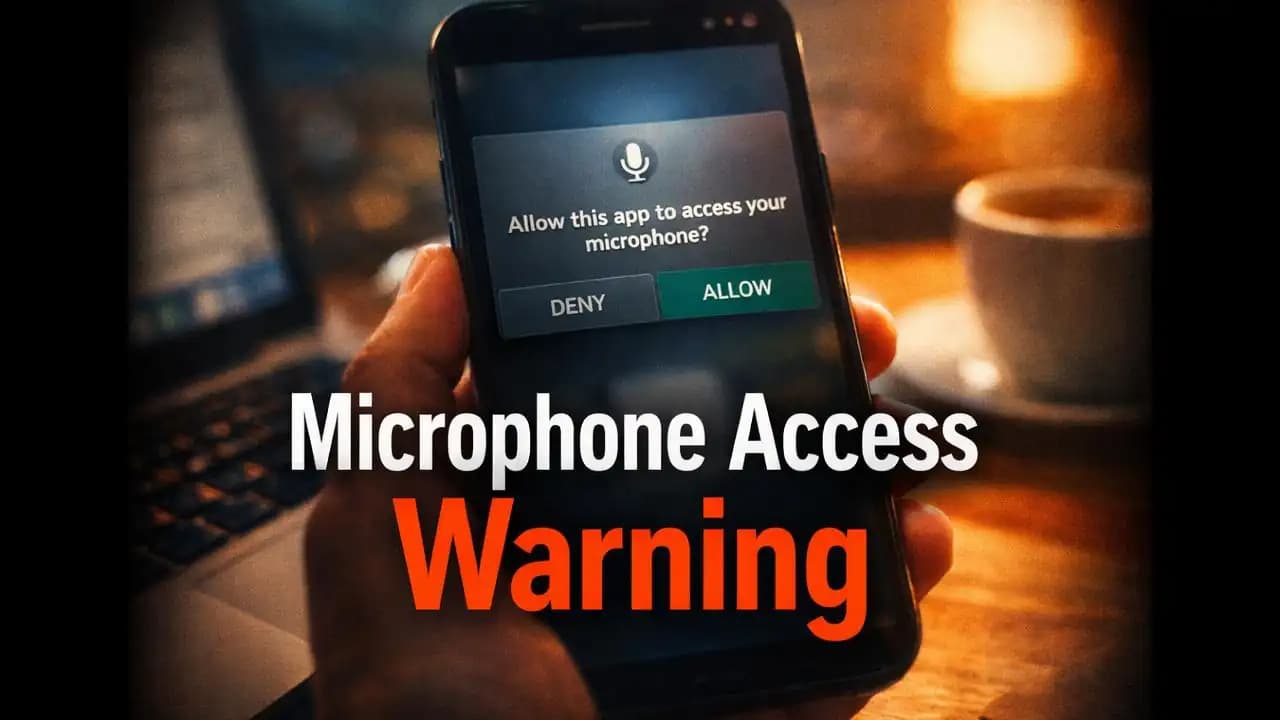
Microphone permission apps are becoming more common, and many users notice this when installing something as simple as a flashlight, game, or shopping app. You open the app for the first time, and suddenly a prompt appears: “Allow access to your microphone?”
At that moment, most people hesitate. You’re not recording anything. You’re not making calls. So why does this app need to hear you?
This confusion is valid and increasingly important to understand.
A Situation Many People Are Experiencing
Imagine downloading a casual game to pass time. You open it, expecting a quick distraction, but before the game even loads, a permission request pops up asking for microphone Access.
You pause.
You wonder:
- “Is this normal?”
- “Will it record me?”
- “What happens if I deny it?”
Some users tap Allow just to move forward. Others feel uneasy but aren’t sure what the risk really is.
This exact situation is happening to millions of smartphone usersespecially on Androidover the past year.
Why Apps Are Suddenly Asking for Microphone Access
Not every request is Suspicious. In fact, there are legitimate reasons why apps ask for microphone access.
Common legitimate uses:
- Voice messaging (chat apps)
- Voice search features
- Video recording with sound
- Audio-based commands
For example:
- A messaging app may need it for voice notes
- A shopping app might use voice search
- A video editor may require audio input
However, the confusion begins when apps that clearly don’t need audiolike wallpapers, calculators, or basic gamesask for the same Permission.
Why It Feels Unnecessary (And Sometimes Is)
The reality is that some apps Request more permissions than they actually need.
This can happen for a few reasons:
1. Built-in SDKs and Ads
Many apps include third-party advertising tools. These tools sometimes Request additional Permissions, including microphone access, even if the core app doesn’t use them.
2. Data Collection Practices
Some developers collect behavioral data to improve engagement or target ads. Audio Access, in rare cases, can be part of broader Tracking systems.
3. Future Feature Planning
An app might Request permissions early for features it plans to add latereven if they’re not currently active.
4. Poor Design Decisions
Sometimes, it’s simply careless development. Permissions are added Without fully considering user trust.
Warning Signs You Should Not Ignore
Not every microphone request is Dangerous, but some patterns Should make you pause.
Be cautious if:
- The app has nothing to do with audio
- The request appears immediately after installation without explanation
- The app doesn’t work unless you allow microphone access
- The developer is unknown or has poor reviews
- The permission request feels unrelated to the app’s purpose
Realistic example message:
“This app requires microphone access for better experience.”
That vague explanation is often a red flag. Legitimate apps usually explain clearly why they need access.
Why This Can Be Risky
Most modern smartphones have strict Privacy controls. Apps cannot secretly record audio without permission.
However, once you grant microphone access, the app technically has the ability to:
- Record audio while active
- Capture background sound (depending on permissions and OS)
- Combine audio data with other user data
Even if misuse is rare, the concern is about unnecessary access.
The real risk is not always spyingit’s over-permission.
Too many permissions increase:
- Privacy exposure
- Data misuse potential
- Trust issues with apps
And in some cases, poorly secured apps can become entry points for malicious behavior.
How This Trend Has Changed in 2024–2025
Over the past year, reports of apps requesting unnecessary permissions have increased.
Several patterns have emerged:
More aggressive permission prompts
Apps now ask for permissions earliersometimes Before users understand what the app does.
Increased integration of AI and voice features
With more apps experimenting with voice input and AI assistants, microphone access requests are becoming more common.
Growing awareness among users
Users are becoming more cautious. Many now deny permissions or unInstall apps that feel intrusive.
Platform-level changes
Both Android and iOS have introduced clearer indicators:
- Microphone usage icons
- Permission dashboards
- One-time access options
These changes reflect a growing concern around digital privacy.
What You Should Do When an App Asks for Microphone Access
You don’t need to panicbut you do need to pause and think.
Ask yourself:
- Does this app actually need my voice?
- Is the request clearly explained?
- Can I use the app without granting permission?
Practical steps:
- Deny by default if unsure
- Allow only when the feature requires it
- Use “Allow only while using the app” if available
- Review permissions later in settings
Check permissions manually:
Go to:
- Settings → Privacy → Microphone
- Review which apps have access
You might be surprised how many apps are listed.
A Simple Rule That Helps Most People
If an app’s main purpose doesn’t involve audio, it probably doesn’t need microphone access.
This one rule can prevent most unnecessary permissions.
Why People Still Tap “Allow” Without Thinking
Understanding human behavior is important here.
People often:
- Want to quickly use the app
- Don’t want interruptions
- Assume permissions are harmless
- Trust apps too easily
Scammers and unethical developers rely on this behaviornot by forcing users, but by making requests feel routine.
A More Thoughtful Way to Use Apps
You don’t need to stop using apps. You just need to use them more consciously.
Small habits make a big difference:
- Read permission prompts
- Question unusual requests
- Prefer well-known developers
- Remove apps you don’t trust
Over time, this builds a safer digital environment without extra effort.
Finally
Microphone permission apps are not always a threatbut they are a reminder of how much access we give without thinking.
Each permission is a form of trust.
And in today’s Mobile world, trust should be given carefullynot Automatically.
The next time you see that microphone prompt, take a second before tapping.
That small pause can protect more than you realize.
FAQ Section
1. Why do apps ask for microphone permission even if they don’t use voice?
Some Apps include third-party tools or future features that require audio access, even if it’s not obvious to users.
2. Can apps listen to me all the time if I allow microphone access?
Most operating systems restrict constant Background recording, but apps can access audio while active if permission is granted.
3. Is it safe to deny microphone permission?
Yes. Most apps will still work without it unless voice features are essential.
4. How can I check which apps are using my microphone?
Go to Your Phone’s privacy settings and review microphone permissions. You can revoke access anytime.






