


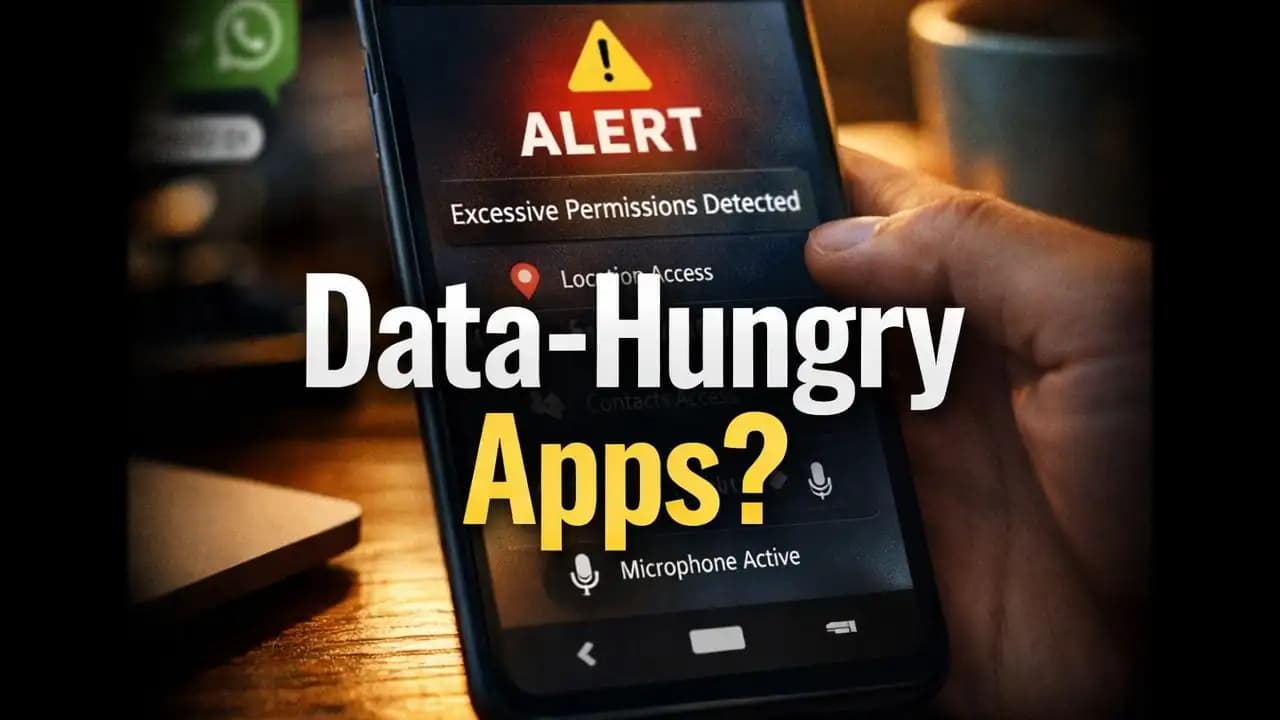
Excessive data collection apps are becoming harder to spot, especially when everything seems to work normally on your phone. You install a simple flashlight app, and a few days later, you start seeing ads related to your recent conversations or browsing habits. It feels like a coincidence until it keeps happening.
Many users have experienced this subtle discomfort. Nothing looks obviously wrong, but something doesn’t feel right either. Apps that should only perform basic functions often ask for access that seems unnecessary. And in recent months, more people have begun questioning how much information their apps are really Collecting.
A Realistic Scenario Most Users Can Relate To
Imagine this: you download a free wallpaper app. It looks clean, has good reviews, and works exactly as expected. But during installation, it asks for Access to your contacts, location, and even your microphone.
You hesitatebut eventually tap “Allow” just to continue.
A week later, you notice your battery draining faster. Your Phone feels slightly slower. You also begin receiving strange promotional notifications that seem oddly personalized.
At this point, many users start wondering:
“Is this app doing more than it should?”
Why Are These Apps Asking for So Much Data?
There are a few Reasons why excessive data collection has become more common, especially in 2024–2025.
Many Free Apps rely on advertising revenue. The more data they collect, the more targetedand profitablethose ads become. Some developers also sell anonymized (and sometimes not-so-anonymized) data to third parties.
In other cases, less trustworthy apps are designed specifically to gather user information without clear consent.
What makes this tricky is that not all data collection is harmful. Many apps genuinely need certain Permissions to function. But the line between “necessary” and “excessive” is where problems begin.
Common Warning Signs You Shouldn’t Ignore
Recognizing early Warning signs can make a big difference. Here are some behaviors that often indicate excessive Data Collection apps:
1. Permissions That Don’t Match the App’s Purpose
A calculator app Asking for Location Access is unusual. A photo editing app Requesting Microphone access may also raise questions.
2. Frequent Background Activity
If your phone shows that an app is constantly Runningeven when you’re not using itit could be Collecting Data silently.
3. Sudden Increase in Ads
Seeing more Personalized ads after Installing a specific app can suggest your data is being Shared or analyzed.
4. Battery Drain Without Explanation
Apps that continuously track location or access data in the background can significantly impact battery life.
5. Unusual Notifications
Messages like:
“Check out this offer near you!”
even when you haven’t enabled location-based services, can be a subtle red flag.
Why This Can Be More Serious Than It Looks
At first glance, excessive data collection may seem like a Privacy inconvenience. But it can lead to deeper issues.
Collected data can include:
- Your location history
- Contact lists
- Device information
- Browsing habits
When combined, this creates a detailed digital profile of you.
In some cases, this information is used for targeted advertising. In others, it may be shared with Unknown third parties. Rarely, it can even be exploited for scams or identity-related risks.
The concern isn’t just what is collectedbut how it is used and who has access to it.
How This Trend Has Changed in 2024–2025
In recent months, reports and user discussions have highlighted a noticeable shift.
Apps are becoming more subtle.
Instead of asking for all Permissions upfront, many apps now Request access gradually. For example, an app may work normally at first, then later prompt for additional permissions after a few days of use.
There’s also been a rise in apps that disguise data collection as “feature enhancement.” Messages like:
- “Enable location for better recommendations”
- “Allow access for improved experience”
sound harmlessbut often go beyond what’s truly needed.
Another trend is the use of bundled permissions, where users unknowingly grant multiple access rights in a single tap.
These patterns make it harder for everyday users to recognize what’s actually happening behind the scenes.
Simple Ways to Stay Aware and Protect Yourself
You don’t need to be a tech expert to stay safe. A few Simple habits can help reduce your exposure to excessive data collection apps.
Review Permissions Before Installing
Take a moment to check what the app is asking for. If something doesn’t make sense, it’s okay to skip that app.
Use Built-in Privacy Settings
Most smartphones now allow you to control permissions like location, camera, and microphone access.
Remove Apps You Don’t Use
Unused apps can still collect data. Cleaning up your phone regularly helps minimize risk.
Pay Attention to App Behavior
If an app Suddenly starts acting differentlymore ads, more notificationsit may be worth reviewing.
Download from Trusted Sources
Even within official app stores, not all apps are equal. Stick to well-reviewed apps from known developers when possible.
A Thoughtful Way to Look at It
Most people don’t install apps expecting Privacy issues. They simply want something that worksa tool, a game, or a service that makes life easier.
But as apps become more advanced, they also become more data-driven.
The key isn’t to stop using apps entirelyit’s to stay aware.
If something feels unnecessary or slightly off, it’s worth paying attention to that instinct. Small decisions, like denying an extra permission or uninstalling an unused app, can make a meaningful difference over time.
Being cautious doesn’t mean being fearful. It simply means being informed.
FAQs
1. How can I tell if an app is collecting too much data?
Look at the permissions it requests and compare them to its purpose. If a simple app asks for access unrelated to its function, that’s a sign to be cautious.
2. Are all free apps excessive data collection apps?
Not necessarily. Many free apps use ads to generate revenue. However, excessive data collection Happens when apps request more information than they actually need to function.
3. What should I do if I suspect an app is collecting too much data?
You can review its permissions in your phone settings, restrict access, or uninstall the app if it feels unnecessary or Suspicious.
4. Can excessive data collection lead to scams?
In some cases, yes. Collected data can be used to create highly targeted messages that feel more convincing, increasing the risk of scams.
This article follows a user-focused, scenario-driven approach aligned with the guidelines provided , ensuring clarity, trust, and real-world relevance for everyday smartphone users.






