


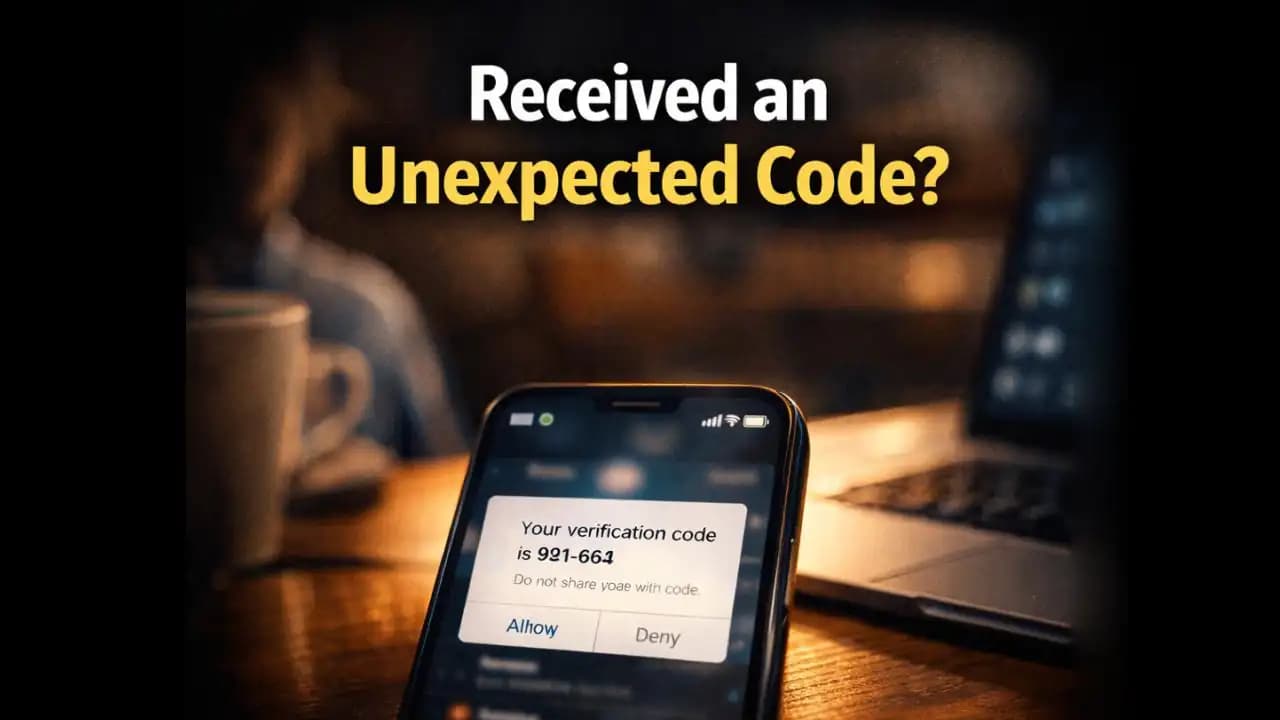
Unexpected verification code message notifications can feel confusing when they appear on your phone out of nowhere. You might be scrolling through WhatsApp, checking emails, or simply using your phone when suddenly an SMS arrives: “Your verification code is 748291.” The strange part is that you never tried to log in or reset any account. In that moment, many people wonder the same thing is someone trying to access my account?
These Messages are more common than most users realize. While sometimes they happen because of simple mistakes, in other situations they may signal that someone is attempting to break into an Account connected to your phone number.
Understanding why these messages appearand how to react calmlycan help Protect your Accounts and avoid unnecessary panic.
A Situation Many Smartphone Users Recognize
Picture a normal evening.
You’re at home watching videos or chatting with friends when your phone vibrates. A new SMS appears with a short Message (1):
“Your verification code is 921664. Do not share this code with anyone.”
At first glance, it seems harmless. But then you realize something strange: you didn’t Request this code.
A few minutes later, another Message again arrives from a different service.
Or perhaps someone sends you a message on WhatsApp saying:
“Hi, I accidentally sent my verification code to your number. Can you forward it to me?”
Many people have experienced this exact situation. It’s confusing because the Message itself looks legitimate, yet the timing feels Suspicious.
In some cases, it may simply be a mistake. In others, it could be the beginning of a scam Attempt.
Why People Suddenly Receive Verification Codes
Verification codes are part of what’s known as two-factor authentication (2FA). They are designed to protect accounts by sending a temporary code to the user’s phone or email.
Normally, these codes appear when someone:
• Logs into an account
• Resets a password
• Creates a new account
• Verifies a phone number
However, when an unexpected verification code message appears, it usually means one of three things.
Someone Entered Your Phone Number by Accident
Sometimes people simply type the wrong number during registration. If their phone number is similar to yours, the Verification code might be sent to you instead.
In this situation, nothing serious is happening.
Someone Is Trying to Access Your Account
If a person already knows Your Phone number, they might attempt to log into services linked to it. When the login process begins, the platform sends a verification code to Confirm identity.
If the attacker doesn’t have the code, they cannot complete the login.
That’s why Scammers often try to trick people into sharing it.
Automated Systems Are Testing Numbers
Another possibility involves automated bots that test phone numbers during Account creation or spam campaigns. These systems may send verification codes to large numbers of phones.
In these cases, the messages usually stop quickly.
Warning Signs That the Situation Might Be a Scam
While receiving a random code isn’t always Dangerous, certain patterns Should raise concern.
Someone Asks You to Share the Code
This is the most common scam tactic.
You might receive a message like:
“Hi, I accidentally used your number while signing up. Please send me the code you received.”
Or:
“This is support. We need the verification code sent to your phone.”
Legitimate companies never ask users to share verification codes with strangers.
The Message Appears Immediately After a Suspicious Contact
Sometimes scammers call or message first, pretending to be from a company or service. During the conversation, they trigger a login attempt that sends the verification code to your phone.
They then ask for the code.
This tactic relies on urgency and confusion.
Multiple Codes Arrive From the Same Service
If several verification codes arrive within minutes, it may mean someone repeatedly attempted to Access your account.
Most services limit attempts, but the pattern can still appear briefly.
Messages Come From Accounts You Rarely Use
You may receive verification codes from platforms you signed up for years ago. Attackers often target older Accounts because users forget they exist.
Why Sharing a Verification Code Can Be Dangerous
At first glance, a six-digit code may not seem important. But for Security systems, that code is the final key needed to enter an account.
When someone Shares a verification code, they may unknowingly allow an attacker to:
• Log into a social media account
• Access messaging platforms
• Reset account passwords
• Take control of online profiles
Once inside an account, attackers sometimes change recovery information to prevent the original user from logging back in.
This is why most verification messages include Warnings such as:
“Do not share this code with anyone.”
These warnings exist because scams built around verification codes have become very common.
How These Scams Have Evolved in 2024 and 2025
In recent months, cybersecurity experts have noticed more cases involving verification code scams.
During 2024 and 2025, attackers began combining these tactics with other Social engineering tricks.
For example, scammers may pretend to be:
• Delivery company representatives
• Bank security teams
• Social media support agents
• Job recruiters
They create believable conversations before Asking for the verification code.
Another tactic involves WhatsApp account hijacking. Attackers attempt to register a victim’s phone number on WhatsApp. When the verification code arrives on the victim’s phone, the attacker tries to convince them to share it.
If the victim sends the code, the attacker can activate WhatsApp on their own device using the victim’s number.
The account is then taken over.
These scams work because verification codes appear harmless, and people often want to help others who claim to have made a mistake.
What You Should Do When You Receive an Unexpected Code
The good news is that staying safe in these situations is relatively simple.
Do Nothing With the Code
If you receive a verification code you didn’t request, the safest response is simply to ignore it.
Without the code, anyone trying to log in cannot proceed.
Never Share the Code With Anyone
Even if someone claims the code was sent to you by mistake, do not forward it.
Legitimate users can request another code for their own number.
Check Your Account Activity
If the code came from a service you actively usesuch as email, banking, or social mediait’s wise to log in and check recent Activity.
Look for unfamiliar login attempts or new devices.
Update Your Passwords If You Feel Uncertain
Changing your password can add an extra layer of protection if you suspect someone attempted to access your account.
Enable Two-Factor Authentication Everywhere Possible
Ironically, the same system generating verification codes is also one of the best defenses against attackers.
When properly used, it prevents unauthorized logins.
A Small Message That Deserves Attention
An unexpected verification code message is often nothing more than a harmless mistake. But in some situations, it may indicate that someone is trying to access an account connected to your phone number.
The important thing to remember is simple: the code belongs to you, and only you.
If you never requested it, ignore it.
And if anyone ever asks for it, that request alone is a strong sign something isn’t right.
By understanding how these messages work, Smartphone users can respond calmly and avoid one of the most common digital security traps today.
FAQ
Why did I receive a verification code without requesting one?
This may happen if someone accidentally entered your phone number during registration, or if someone attempted to log into an account linked to your number.
Can someone access my account just by knowing my phone number?
Usually not. Most services require the verification code sent to your device to complete login. Without that code, attackers typically cannot access the account.
What should I do if someone asks me to send them the code I received?
Do not share the code. Legitimate companies never ask users to provide verification codes to strangers or support agents.
Should I change my password after receiving an unexpected code?
It’s not always necessary, but changing your password and reviewing account activity can provide extra peace of mind if you feel unsure.






