Apps collecting personal data are more common than many smartphone users realize. You might install a simple game, weather tool, or photo editor, only to discover later that the app quietly requested access to your contacts, location, or even your microphone. For many people, these permission requests appear during installation and are quickly approved without much thought.
In everyday use, nothing about the app may seem Suspicious. It works normally, provides the feature you wanted, and rarely raises concern. But behind the scenes, some apps gather far more information than users expect.
Understanding how this happens can help people make better decisions about what they install and what Access they allow on their devices.
A Situation Many Smartphone Users Recognize
Imagine downloading a free Wallpaper app or a small puzzle game on your Android phone.
When you open it for the first time, the app requests several Permissions:
- Access to your location
- Access to device storage
- Access to your contacts
At first, it may not feel unusual. Many apps ask for permissions, and most users simply tap Allow so the app will run properly.
Days or weeks later, you might notice something strange.
The app appears to be running in the Background more often than expected. It might send notifications you never asked for. Or you may see targeted advertisements that seem unusually specific.
For example, after sharing a conversation about travel plans with a Friend, you Suddenly start seeing ads related to hotels or flights.
This experience often leaves users wondering:
Is the app collecting more data than it needs?
In many cases, the answer is yes.
Why More Apps Are Requesting Extensive Data
Mobile apps today operate in a much larger digital ecosystem than they did a few years ago.
Many apps rely on advertising networks, analytics platforms, and marketing tools to generate revenue. These systems often require Access to user data in order to function effectively.
For example, an advertising platform may Request information such as:
- Device identifiers
- Location data
- App usage patterns
- Interaction history
Developers integrate these tools to help their apps earn income Through ads or Personalized recommendations.
However, this also means that Apps Collecting personal data may gather far more information than users expect.
Some developers also collect data to improve product features, analyze user behavior, or personalize content. While this can benefit the user experience, it also increases the amount of information apps store about individuals.
Because these processes happen quietly in the Background, most users never see how much data is being collected.
Common Warning Signs Users Should Notice
Not every app that collects data is Dangerous. Many legitimate apps require certain Permissions to provide their services.
However, there are situations where permission requests Should raise questions.
One warning sign is when an app requests permissions unrelated to its function.
For example:
- A calculator app requesting location access
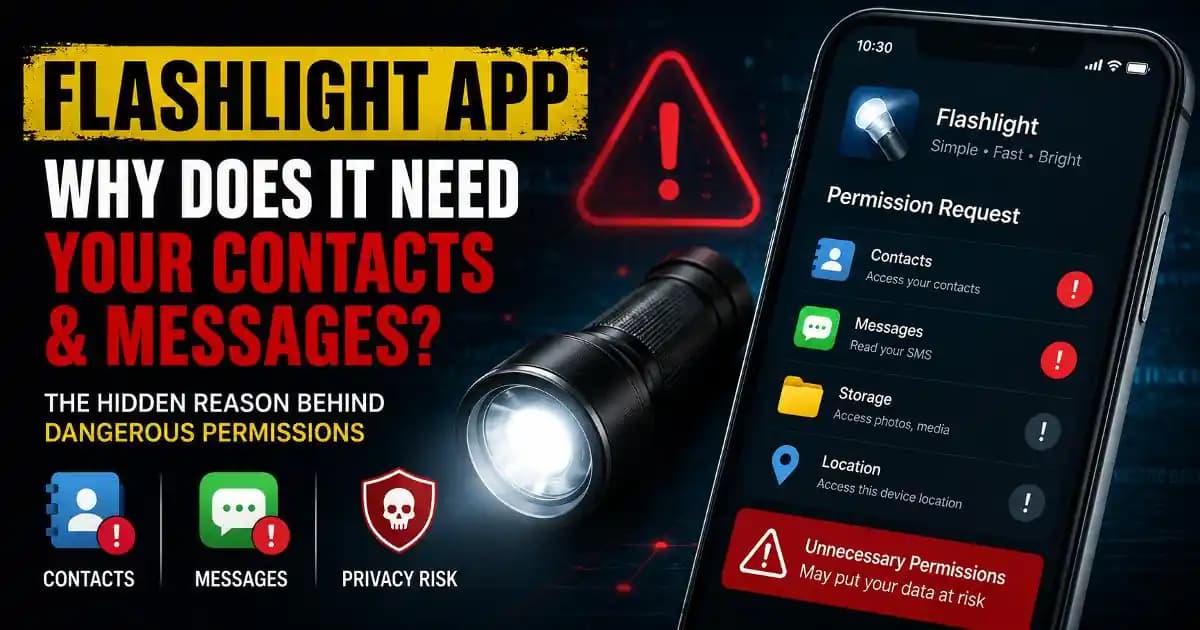
- A flashlight app asking for contacts
- A wallpaper app requesting microphone permission
These permissions may not always indicate malicious intent, but they often suggest the app is gathering information beyond its core purpose.
Another warning sign is when apps request multiple sensitive permissions at once.
For instance, an app Asking for access to contacts, SMS Messages, storage, and location simultaneously may be collecting a large amount of personal information.
Users should also pay attention to frequent background activity.
If an app you rarely use appears often in your battery or data usage reports, it may be communicating with external servers more frequently than expected.
Why Excessive Data Collection Can Be Risky
When apps collect personal data, that information often travels beyond the device.
In many cases, data is sent to remote servers where it can be stored, analyzed, or Shared with partners.
The risks can include:
Loss of privacy
Apps may build detailed profiles about users, including location history, browsing patterns, and interests.
Targeted advertising and tracking
Collected data is often used to deliver highly personalized ads.
Potential data breaches
If an app’s database is compromised, stored user information may be exposed.
Unexpected data sharing
Some apps share information with third-party companies that users have never heard of.
Most users never see these processes directly, which is why Excessive Data Collection often goes unnoticed.
How Data-Collecting Apps Have Evolved in 2024–2025
In recent years, the way apps collect data has changed.
In the past, Suspicious Apps were easier to Identify because they behaved aggressively or requested obviously unnecessary permissions.
However, patterns observed in 2024 and 2025 show that data collection has become more subtle.
Some apps delay permission requests until after the user has been using the app for several days. This strategy builds trust Before asking for access.
Others present permission prompts using vague explanations such as:
“Required to improve your experience.”
These messages rarely explain exactly what information will be collected.
Another trend involves third-party software components built into apps.
These components may Automatically gather analytics or advertising data without the user fully understanding how much information is being shared.
Because of these changes, apps collecting personal data often appear completely normal.
Simple Ways to Reduce the Risk
The good news is that smartphone users still have control over many of these settings.
A good first step is reviewing app permissions regularly.
On Android devices, this can usually be done through:
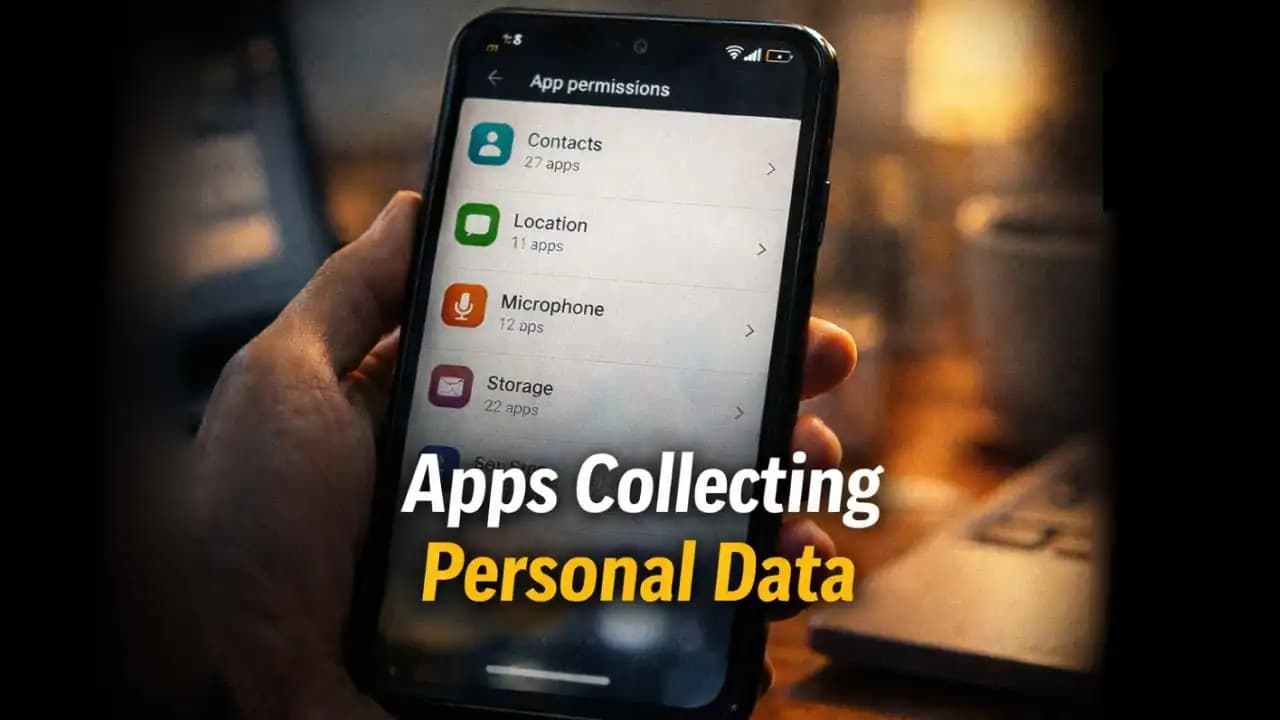
Settings → Privacy → Permission Manager
This menu shows which apps have access to features such as:
- Camera
- Microphone
- Location
- Contacts
- Storage
If an app has access to something it does not clearly need, you can disable that permission.
Another helpful habit is removing apps you no longer use.
Unused apps often remain installed for months or years, continuing to request updates or communicate with external services.
Reducing the number of installed apps can lower the chances of unnecessary data collection.
It is also useful to read app descriptions and reviews before installing. Users sometimes mention suspicious behavior or excessive permissions in their feedback.
Finally, choosing apps from trusted developers with clear Privacy policies can provide additional reassurance.
A Small Permission Today Can Reveal a Lot Tomorrow
Smartphones have become central to everyday life. They store conversations, photos, contacts, location history, and countless other pieces of personal information.
Because apps interact with so many parts of the device, permissions play a powerful role in protecting privacy.
Apps collecting personal data are not always harmful, but they can quietly build detailed profiles about users over time.
Most people never intend to share so much information. It often Happens simply because permission prompts appear routine during installation.
Taking a few moments to review which apps have access to your data can reveal surprising insights about what your phone is actually sharing.
And sometimes, that small step is enough to restore control over your digital privacy.
FAQ
Why do apps collect personal data?
Apps often collect personal data to improve user experience, analyze app performance, personalize content, or deliver targeted advertisements. Many apps also use third-party services that rely on user data for analytics and marketing.
How can I check which apps are collecting data on Android?
You can review app permissions through Settings → Privacy → Permission Manager. This section shows which apps have access to features such as location, contacts, microphone, and storage.
Are apps collecting personal data always dangerous?
Not always. Many apps need certain permissions to function properly. However, if an app requests access unrelated to its purpose or asks for many sensitive permissions, it may be collecting more information than necessary.
Should I remove apps that request too many permissions?
If an app requests permissions that seem unnecessary for its function, it may be safer to remove it or disable those permissions. Keeping only essential apps can help reduce privacy risks.