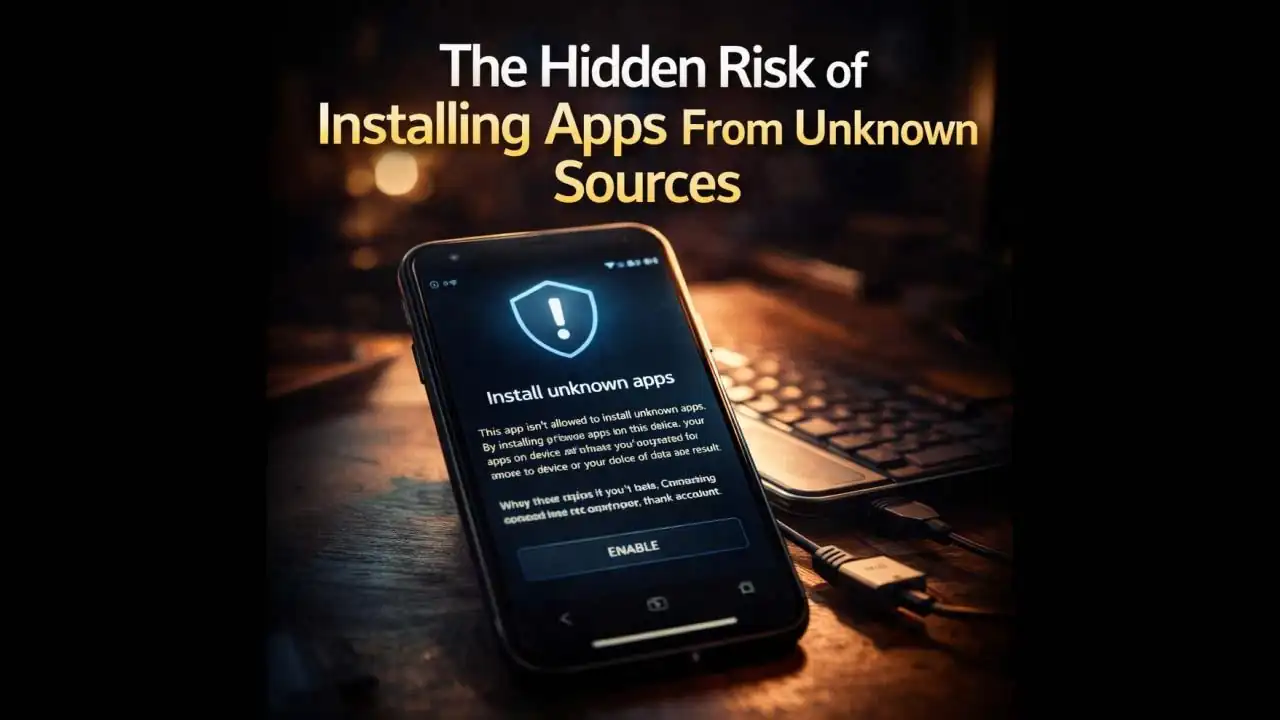
It started with a simple search & Installing Apps From Unknown Sources. You needed a specific app maybe a paid video editor, a game your friend has, or an exclusive wallpaper pack. You found a website offering the APK for free. The site looked a little rough, but the download button was right there. When you tapped the file, your phone flashed a warning: “Install blocked. For your security, your phone is not allowed to install unknown apps from this source.”
You paused. But then you saw the option: “Settings.” And in that settings menu, a simple toggle switch. “Allow from this source.” One flip, and the installation went through. It felt like you’d outsmarted the system. But in reality, by allowing installations from unknown sources, you might have just opened a door that is very hard to close.
The Moment You Flip the Switch
Most people don't realize that when they toggle that setting, they aren't just letting in one app. They are changing the fundamental Security posture of their Device. It is the digital equivalent of leaving your front door unlocked because a friend said they might stop by.
This situation Happens to thousands of people every day. You might be on WhatsApp, and a relative sends you a link to download a “beautiful new theme” for Your Phone. Or you might be on TikTok and see a comment claiming there is a “modded version” of a popular app that removes all ads. The promise is always the same: getting something for free that everyone else pays for, or accessing content that isn’t officially available in your region.
The process is designed to feel normal. You are just trying to solve a problemgetting an app. But the risk of installing apps from unknown sources is that you bypass the security checks that Google Play (or Apple’s App Store) usually performs. You become the sole security guard, and unfortunately, most of us aren't trained to spot a fake ID.
Why This Temptation Is Everywhere Right Now
Throughout late 2024 and into 2025, there has been a noticeable shift in how scammers distribute malware. They have realized that it is getting harder to sneak malicious apps onto the official Google Play Store. Google has gotten better at scanning and removing them. So, the criminals have changed tactics. They now focus on driving users outside the store.
You will see this on social media, in YouTube video descriptions, and even in spam texts. They don't try to send you to the Play Store anymore. They send you directly to a website. They know that if they can convince you to enable "unknown sources," they can bypass all of Google’s Security.
The Warning Signs You Are Probably Ignoring
When you are about to Install an app from outside the official store, your brain might be focused on the excitement of the free content. But there are usually red flags waving frantically. Recognizing these is your last line of defense.
First, look at the file size. If you are downloading a complex 3D game, the file Should be massive. If the APK is only a few megabytes, that isn't a gameit is a Trojan horse. You aren't downloading a game; you are downloading the installer for malware.
Second, look at the permissions the app requests during installation. If you downloaded a wallpaper app, and it asks for access to your contacts, SMS messages, and location, that makes no sense. A wallpaper doesn't need to read your text messages. That app is requesting those permissions so it can steal that data later.
Third, check the name of the file and the website. Scammers often use misspellings. You might think you are downloading "WhatsApp Plus," but the file name is "WhastApp_Update.apk." That one letter difference is a classic trick to get you to trust the file.
What Actually Happens When You Install a Bad App
Let’s walk Through a realistic scenario. You wanted a free version of a popular photo editing app. You found a site, downloaded the APK, and Installed it by allowing Unknown sources. The app opens, and it actually works! It edits photos just fine. You think you got away with it.
But here is the Hidden danger. While you are editing a selfie, that app is Running quietly in the Background. It is scanning Your Phone for banking apps. Once it detects your banking app is installed, it creates an overlay. The next time you open your bank, you will see a screen that looks exactly like your bank’s login pagebut it’s fake. When you type your username and password, the information goes straight to the scammer. Within minutes, they can log into your real Account.
Alternatively, the app might be ransomware. It might quietly encrypt all your photos and documents, and then pop up a Message demanding payment to unlock them. Because you gave it installation Permission, it has the ability to dig deep into your Storage.
How These Threats Have Evolved in 2024–2025
The scams of 2024 and early 2025 are not the obvious viruses of the past. They are sophisticated. We are seeing a rise in what Security researchers call "piggybacking." This is where a criminal takes a legitimate, popular app, decompiles it, adds malicious code, and then rePackages it.
They then distribute this "modded" version on forums and Telegram channels. Users think they are getting a premium feature for free, but they are actually getting spyware. These modified apps can now bypass basic security by Asking for Accessibility Permissions. Once you grant that, the app can read your screen, see your notifications, and even type on your behalf. It is like giving a stranger a remote control to your phone.
Staying Safe Without Living in Fear
You do not need to throw your phone away, but you do need to adjust your habits. The Simplest rule is the hardest for most people to follow: If it isn't on the official app store, you probably don't need it.
If you absolutely must install something from outsidefor example, if you are a developer testing your own app, or if your employer requires a specific internal toolyou need to be surgical about it. Go into your settings and only enable the permission for the specific browser or file manager you are using at that exact moment. As soon as the app is installed, go back into settings and turn that permission off. Do not leave the door wide open.
Also, keep your phone updated. The latest versions of Android (Android 14 and 15) have much stronger defenses against unknown source installations. They try to scan the APK file during installation, even if it is from a browser. Do not ignore those scans. If your phone tells you the app looks Suspicious, trust it. It is smarter about these things than we are.
A Final Thought on Convenience vs. Security
We live in a world where we want things instantly and for free. Scammers know this. They exploit our desire for a bargain. The risk of Installing Apps from unknown sources is not just about getting a virus. It is about handing over your digital identity to a stranger.
The next time you see a website offering that "too good to be true" app, remember that moment in the settings. That toggle switch is a choice. It is the difference between a safe, boring phone and a compromised, expensive lesson. It takes ten seconds to lose everything, but it takes months to clean up the mess. Keep the door locked.
Frequently Asked Questions
1. Is it safe to install an APK if I trust the website?
Trusting the website is not the same as trusting the file. Even websites that once offered safe files can be Hacked, or the owners might sell out and start bundling malware. Unless you wrote the code yourself, you cannot be 100% sure what is in that APK.
2. Can I get a virus just by downloading a file, or do I have to open it?
On Android, simply downloading a file is usually safe. The risk activates when you tap on that file to install it. However, some advanced attacks can exploit vulnerabilities in your browser, but this is rare. The main danger is during the installation process.
3. If I install a bad app, can't I just delete it?
Deleting the app icon from your home screen often doesn't remove the malware. Many malicious apps install "droppers" or background services that survive even after you uninstall the main app. A factory reset is sometimes the only way to be sure your phone is clean.
4. How do I know if an app from the Play Store is safe?
While the Play Store is safer than unknown sources, it isn't 100% foolproof. Always check the number of downloads, read recent reviews (sort by newest), and look at the developer's name. A legitimate app from a major company will have a verified developer account. Be wary of apps with generic names and very few downloads.
Official References & Citations
- "The Hidden Risk of Installing Apps From Unknown Sources Intelligence Briefing" — Softech Alert Security Intelligence
- "Cyber Threat & Scam Analysis Report" — Digital Defense Portal
- "Consumer Advisory on Web & Mobile Threats" — Security Guidelines