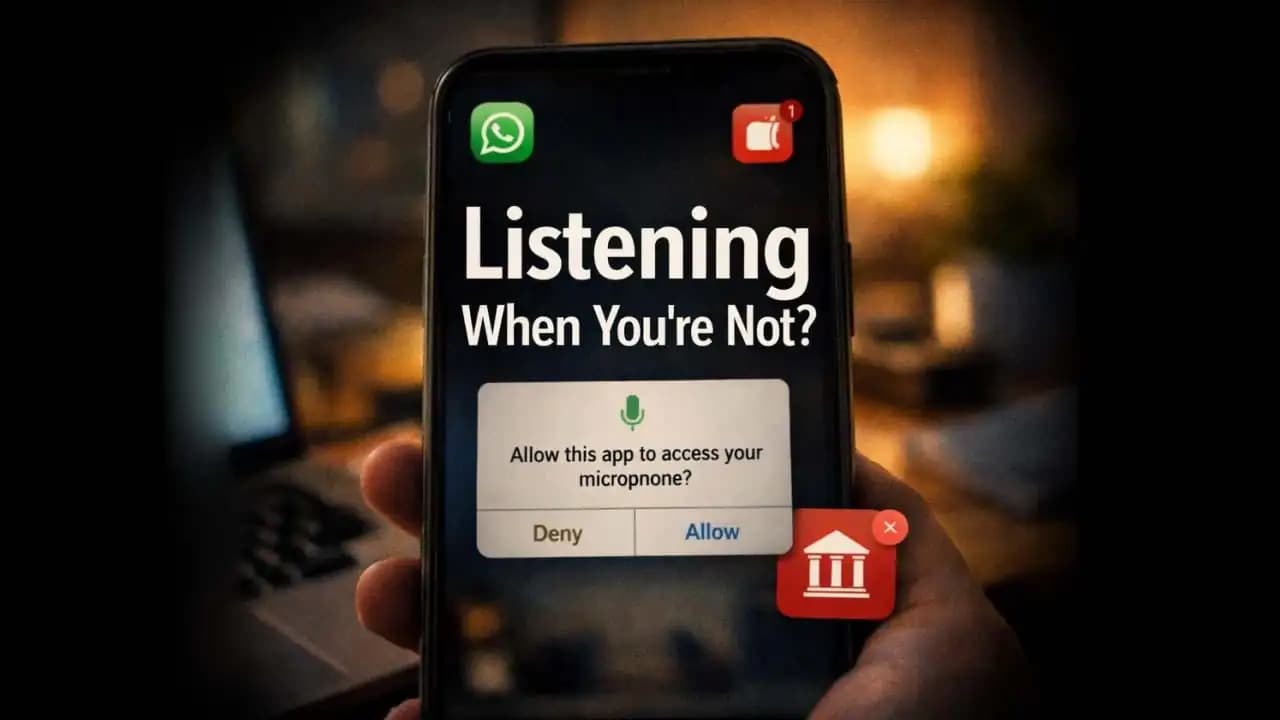
Microphone permission apps are something many smartphone users encounter without thinking twice. You install a simple game, a flashlight app, or a photo editor and suddenly it asks for access to your microphone. At first, it seems harmless. You tap “Allow” just to move forward. But later, you might notice something strange: the app requested microphone access even though it has no obvious reason to listen. That small moment raises a question many people are now asking why does this app need my microphone at all?
Over the past year, more Android and smartphone users have started noticing apps requesting Permissions that feel unrelated to what the app actually does. In many cases, it’s not immediately dangerous. But sometimes, it reveals a deeper pattern of data collection, advertising tracking, or even potentially harmful behavior.
Understanding why this happens and what to watch for can make a big difference in protecting your Privacy.
The Situation Many Users Are Starting to Notice
Imagine this common scenario.
You download a new wallpaper app because it has beautiful backgrounds. When you open it for the first time, a Permission request appears:
“Allow this app to access your microphone?”
You pause.
Why would a wallpaper app need to record audio?
Some users deny the Permission (1) and continue. Others allow it, assuming it’s required for the app to function. After all, permission prompts appear so frequently that people often tap through them quickly.
But this situation is becoming more common than many realize.
In recent months, smartphone users across forums and tech communities have reported apps requesting microphone Access even when the app’s purpose has nothing to do with voice or audio.
Examples people frequently mention include:
- Basic puzzle games
- Wallpaper or theme apps
- Flashlight utilities
- Photo filters
- QR code scanners
None of these apps typically need audio access to work.
Yet the permission request appears anyway.
Why Apps Are Asking for Microphone Access
Not every Microphone Permission request is Suspicious. Some apps genuinely need it.
For example:
- Voice messaging apps
- Video recording apps
- Voice note tools
- Voice search assistants
- Language translation apps
In these cases, microphone Access is clearly part of the core function.
However, some developers Request extra Permissions for different Reasons.
Data Collection
Certain apps collect audio data to improve voice recognition or machine learning Features. Even if the feature isn’t obvious to users, it may exist in the Background.
Advertising Analytics
Some Advertising networks embedded inside apps request additional permissions to gather user behavior data. While they may not actively record conversations, the permission itself expands what the app is technically capable of Accessing.
Lazy Development
Sometimes developers simply request broad permissions instead of carefully limiting them. This makes development easier but increases Privacy risk.
Hidden Features
In some cases, apps include voice-based features that are not Immediately visible. The permission exists even if users never activate the feature.
But the Problem arises when users have no clear explanation for why the permission exists.
Warning Signs That an App’s Microphone Request May Be Unnecessary
Not every permission request is Dangerous, but certain patterns Should raise awareness.
Here are some signs many Security experts encourage users to watch for.
The App’s Purpose Doesn’t Involve Audio
If the app has nothing to do with recording, speaking, or listening, microphone access may not make sense.
Examples include:
- Calculator apps
- Wallpaper apps
- Simple offline games
- Flashlight tools
These typically do not require audio input.
The Permission Appears Immediately on Launch
Some apps ask for multiple permissions the moment they open, before explaining why they need them.
When permissions appear with no context, it can indicate the request was added automatically rather than thoughtfully.
The App Continues Working Without the Permission
A helpful test many users try is simply denying the permission.
If the app continues functioning normally, it likely never needed that access in the first place.
The Developer Is Unknown
Apps from Unknown developers or those with very little history sometimes include aggressive permission requests.
Checking the developer name and reviews can offer clues.
Why This Situation Can Be Risky
Most apps requesting microphone permission are not secretly recording conversations. Modern operating systems include security Protections that make constant background recording difficult.
However, there are still reasons to take unnecessary permissions seriously.
Expanded Data Access
When an app has microphone permission, it gains the technical ability to access audio input under certain conditions.
Even if the app doesn't use it immediately, the capability exists.
Increased Privacy Exposure
Permissions can sometimes be combined with other data sources like:
- location
- contacts
- device identifiers
- usage behavior
Together, these pieces of information can build detailed user profiles.
Malicious Apps Do Exist
While app stores remove many harmful apps quickly, some still slip Through temporarily.
Security researchers occasionally find apps that secretly record audio snippets or activate microphones under specific triggers.
These cases are rare but real.
How Permission Abuse Has Changed in 2024–2025
Mobile security researchers have observed a shift in how apps request and use permissions over the past two years.
Earlier smartphone apps often asked for broad permissions because systems were less restrictive.
Today, both Android and iOS have introduced stronger controls, including indicators that show when the microphone is active.
In 2024 and 2025, a new pattern has appeared:
Instead of obviously malicious behavior, many apps now request permissions quietly during Installation and rely on users accepting them without question.
Because permission prompts appear so often, people develop what psychologists call “permission fatigue.”
Users become so used to tapping Allow that they rarely pause to evaluate whether the request actually makes sense.
Attackers and aggressive data collectors rely on this behavior.
Simple Ways to Protect Yourself
The good news is that checking and controlling app permissions is easier than many people think.
Here are a few practical habits that can improve Your Phone’s privacy.
Review App Permissions Regularly
Most smartphones allow you to see which apps have microphone access.
Look for the Microphone section in your phone’s privacy settings.
You might be surprised by what appears there.
Remove Access from Apps That Don’t Need It
If an app doesn’t rely on audio, you can safely turn off its microphone permission.
In most cases, the app will continue working normally.
Only Install Apps You Actually Need
Many people install apps temporarily and forget about them.
Each extra app increases the number of permissions on your device.
Deleting unused apps reduces risk immediately.
Pay Attention to Developer Reputation
Before installing an app, take a moment to check:
- developer name
- number of downloads
- user reviews
Established developers are generally more transparent about permission use.
The Small Prompt That Deserves a Second Look
Most smartphone security problems do not start with dramatic hacking attempts. They begin with small decisions users make quickly often without realizing their impact.
A simple permission request like “Allow microphone access?” can easily feel routine. But sometimes, that small prompt reveals more about an app than its description does.
Taking a moment to question why an app needs certain access is one of the simplest ways to protect your digital privacy.
You don’t need advanced technical knowledge to stay safe just a little curiosity and a habit of paying attention to the Details your phone quietly shows you.
FAQs
Why would an app request microphone permission if it doesn’t use audio?
Some apps include third-party advertising software or unused features that require microphone permission. In other cases, developers request broader permissions than necessary during development.
Can apps secretly listen through my phone microphone?
Modern smartphones include privacy indicators and system protections that limit hidden recording. However, malicious apps can still misuse permissions if they gain access, which is why reviewing permissions is important.
How can I check which apps are using my microphone?
On most smartphones, you can open Settings → Privacy → Microphone to see which apps have permission. You can disable access for any app you don’t trust.
Is it safe to deny microphone permission to most apps?
Yes. If the app does not rely on voice recording or audio input, denying microphone access usually does not affect its core functionality.