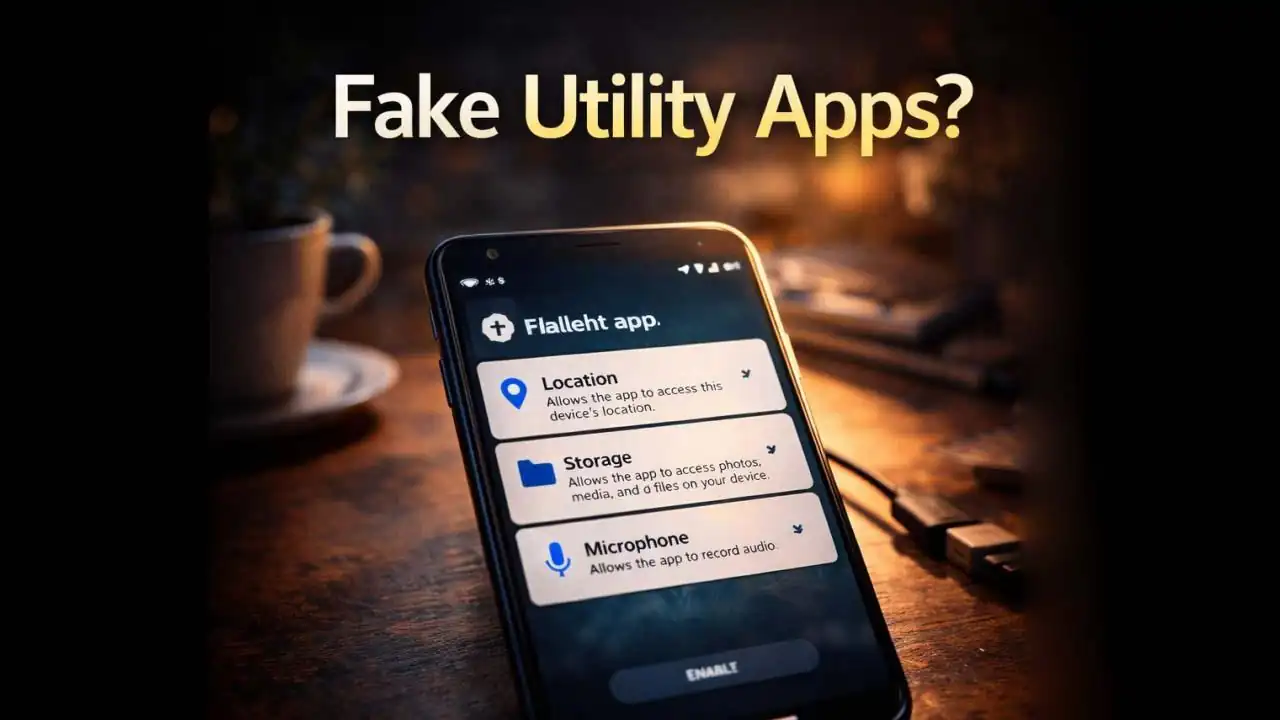
Fake utility apps Android users download every day often look harmless at first glance. A simple flashlight, battery cleaner, or QR scanner may promise to make your phone faster or easier to use. But after installing it, some people begin noticing strange things unexpected ads, unusual permissions, or a phone that suddenly feels slower or warmer than usual.
These small apps rarely look Suspicious. In fact, that’s exactly why they work so well.
Many of them are designed to appear useful while quietly Collecting data or running activities in the Background that users never notice.
Understanding how these apps operate can help you recognize them before they create Problems on your device.
A Situation Many Android Users Encounter
It often begins with a simple search.
Someone opens the Play Store and types:
- “Flashlight app”
- “Phone cleaner”
- “Battery saver”
- “QR scanner”
Hundreds of results appear. Many look similar colorful icons, promises of faster performance, and Thousands of downloads.
A user installs one that claims:
“Boost your phone speed instantly!”
At first, everything seems normal.
But after a few days, something feels different.
The phone shows ads on the lock screen. Notifications appear promoting other apps. Sometimes the Device starts overheating or the battery drains faster than usual.
When the user Checks the app settings, they discover something surprising.
The simple flashlight app has permission to:
- Access location
- Read storage
- Display over other apps
- Run continuously in the background
That’s when people begin to realize the app might not be as Simple as it looked.
Why These Apps Appear Everywhere
The reason fake utility apps Android users encounter so often is surprisingly simple.
They are easy to create and extremely profitable.
Many of these apps do not exist to provide real tools. Instead, they are built primarily to generate advertising revenue or collect user data.
A developer can take an existing open-source tool, slightly modify it, add advertising networks or Tracking software, and publish it as a new app.
Because utility apps are usually small and simple, users rarely question them.
Think about it:
A flashlight app only needs to turn on the camera light.
But many fake flashlight apps include dozens of extra features that quietly run Behind the scenes.
These additional components can track behavior, display ads, or communicate with remote Servers.
In many cases, users never notice.
Warning Signs That an App May Not Be Safe
Not every utility app is Dangerous. Many legitimate developers create useful tools.
However, several Warning signs appear repeatedly with fake utility apps Android devices encounter.
The app asks for unrelated permissions
A simple utility Should only Request Permissions directly related to its function.
For example:
- A flashlight app should only access the camera flash
- A calculator should not need location access
- A wallpaper app should not request microphone permission
If Permissions seem excessive, it’s worth reconsidering the Installation.
The app promises unrealistic improvements
Many suspicious apps advertise dramatic claims such as:
- “Boost your battery by 300%”
- “Make your phone 5× faster instantly”
- “Clean all viruses in one tap”
These claims often attract downloads but rarely reflect real functionality.
Modern smartphones already manage memory and performance Automatically.
Too many ads or aggressive pop-ups
After installation, fake utility apps often display ads frequently sometimes even outside the app itself.
You may notice:
- Ads appearing on the lock screen
- Notifications promoting other apps
- Pop-ups while browsing
These behaviors often indicate adware components inside the app.
The developer name looks unfamiliar
Another detail many people overlook is the developer information.
Legitimate apps often come from recognizable companies or developers with multiple trusted apps.
Fake apps frequently come from Accounts with generic names and very few other applications.
Why These Apps Can Become a Privacy Risk
The biggest issue with fake utility apps Android devices install is not always visible.
Many of these apps quietly collect data.
Depending on permissions granted, they may access:
- Location data
- Device identifiers
- App usage patterns
- Advertising profiles
This information is often used for targeted advertising or analytics.
But in some situations, it can also be sold to third-party data brokers.
Even more concerning, certain malicious apps may attempt to overlay fake screens on top of other apps.
This technique can sometimes trick users into entering login credentials or payment information.
While this is less common than simple adware, it has been observed in some Mobile malware campaigns.
How These Apps Have Become More Sophisticated in Recent Years
Several years ago, fake apps were easy to recognize.
They had poor design, obvious spelling errors, and very few downloads.
But by 2024 and 2025, the situation changed.
Developers of questionable apps began using more advanced techniques.
Some now copy the design and descriptions of legitimate apps.
Others use fake positive reviews to make their apps appear trustworthy.
In recent months, cyberSecurity researchers have reported apps disguised as:
- QR code scanners
- Phone cleaners
- File managers
- VPN tools
- Flashlight utilities
Because these tools seem helpful, users often install them without hesitation.
And once installed, the app can remain on the phone for months.
Simple Habits That Help Avoid Risky Apps
The good news is that avoiding fake utility apps Android users encounter does not require technical expertise.
A few simple habits can dramatically reduce the risk.
Check the number of downloads
Apps with millions of installs are generally more trustworthy than those with only a few thousand downloads.
While this is not a guarantee, it provides a useful signal.
Read the newest reviews
Instead of looking only at the star rating, sort reviews by most recent.
Users often report suspicious behavior quickly.
Review permissions before installing
Android displays the permissions an app requests.
If they do not match the app’s purpose, it may be safer to choose another option.
Avoid installing multiple utility apps
Most phones already include built-in tools such as flashlights, file managers, and battery monitoring.
Installing additional apps for these tasks is often unnecessary.
Why Awareness Is More Important Than Ever
Smartphones have become central to daily life.
They contain Personal Messages, banking apps, photos, and private information.
Because of this, even small apps can become entry points for privacy risks.
Fake utility apps Android users encounter may not always behave like obvious malware.
Instead, they operate quietly Collecting data, showing ads, and remaining unnoticed for long periods.
This subtle approach makes awareness especially important.
A simple habit like checking Permissions or reading recent reviews can prevent problems Before they start.
The goal is not to fear every app.
It’s simply to understand that even the smallest tools on a smartphone can sometimes do more than they claim.
Frequently Asked Questions
What are fake utility apps on Android?
Fake utility apps are simple-looking tools such as flashlights, cleaners, or QR scanners that claim to provide helpful features but may collect data, display excessive ads, or request unnecessary permissions.
Are flashlight apps safe to install?
Some flashlight apps are legitimate, but many phones already include a built-in flashlight. Installing extra flashlight apps is often unnecessary and can introduce privacy risks.
Can fake utility apps steal personal information?
Some Suspicious apps may collect location data, device identifiers, or usage patterns. In rare cases, malicious apps may attempt to display fake screens to capture login information.
How can I check if an Android app is safe?
Look at the developer name, number of downloads, recent reviews, and permissions requested. If an app requests unrelated permissions or has many complaints in reviews, it may be safer to avoid it.
Official References & Citations
- "Fake Utility Apps Android Users Install Without Realizing the Privacy Risk Intelligence Briefing" — Softech Alert Security Intelligence
- "Cyber Threat & Scam Analysis Report" — Digital Defense Portal
- "Consumer Advisory on Web & Mobile Threats" — Security Guidelines