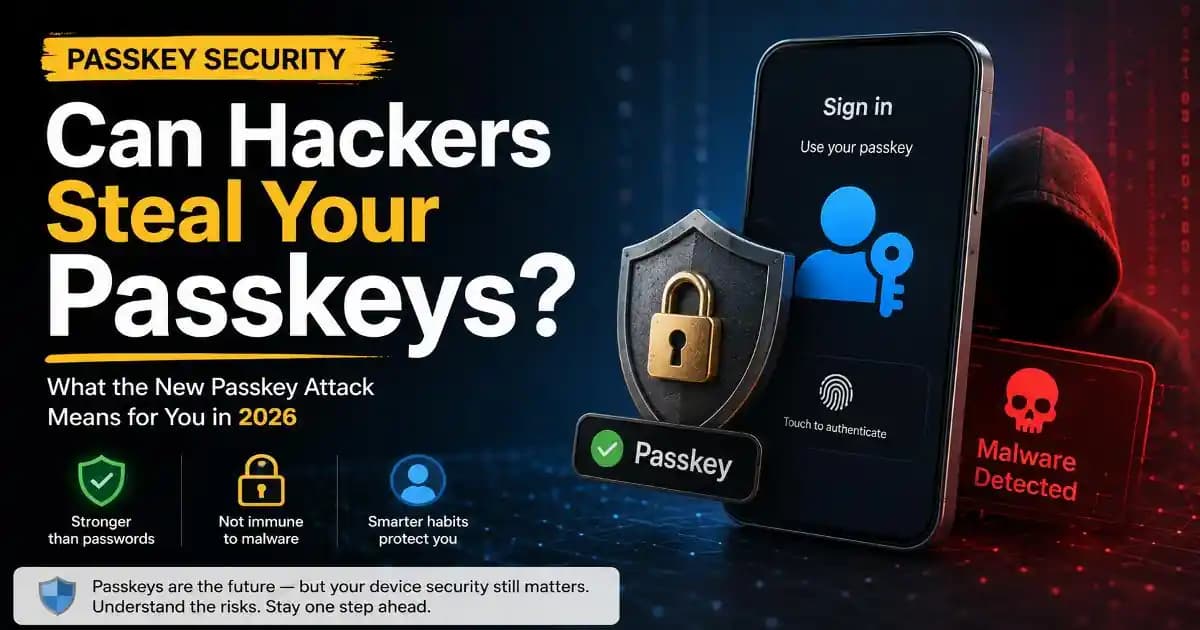
Can hackers steal your passkeys? The short answer is that passkeys remain one of the strongest defenses against ordinary phishing and password theft, but recent research shows that malware already running on a compromised Windows computer can attack the software and synchronization systems surrounding a passkey.
That distinction matters. The new research does not show that someone can simply guess, phish, or mathematically break a passkey. Instead, researchers at Palo Alto Networks Unit 42 demonstrated three attack techniques against Google Password Manager's synchronized passkeys in Chrome on Windows systems with a Trusted Platform Module. Each scenario begins with malware already present on the computer. ([Unit 42][1])
For everyday users, the important lesson is not that passkeys have suddenly become unsafe. It is that authentication security is only as strong as the environment in which authentication takes place. A passkey can remove one of the biggest weaknesses of passwords while still depending on a secure browser, operating system, device, credential store, synchronization process, and account-recovery system.
Can Hackers Steal Your Passkeys Without Breaking the Cryptography?
Passkeys were designed to solve a fundamental problem with passwords. A traditional password is a reusable secret. If a criminal tricks you into typing it into a fake website, the attacker may be able to reuse that same password against the real service. Passkeys work differently.
A passkey is based on public-key cryptography. The private portion remains under the control of the user's credential system, while the service stores the corresponding public key. During authentication, the device creates a cryptographic response to a challenge from the service. This design is one reason passkeys are resistant to conventional phishing: a fake website cannot simply collect a passkey the way it can collect a password. Google describes passkeys as a phishing-resistant alternative to passwords and explains that passkey credentials can be synchronized across devices through platform-provided backup and synchronization. ([Google Security Blog][2])
The new research targets a different layer. Instead of attacking the mathematical foundation of the passkey, the researchers examined how Chrome and Google Password Manager establish device trust, handle user verification, synchronize credentials, and recover authentication state.
Think of it this way: the lock may be extremely strong, but the systems deciding which device is allowed to operate the lock can still become an attack surface.
What the New Passkey Attack Actually Targets
Unit 42 calls the research Pass-ta-key and describes three related attack paths. The research focuses specifically on Google Password Manager in Chrome running on Windows computers equipped with a TPM. Malware must already be executing on the victim's computer, which is a crucial limitation when interpreting the findings. ([Unit 42][1])
The first technique, called Pass-ta-key, abuses the trust relationship between the compromised Windows device, Chrome, and Google's cloud authenticator. Researchers demonstrated that malware could use locally available authentication state and the device's TPM-backed identity mechanism to request a valid authentication assertion without requiring the victim to provide a fresh PIN or biometric interaction.
The second technique, Silver Pass-ta-key, focuses on re-enrollment. The basic idea is that when authentication state changes or a credential system needs to establish a new trusted relationship, the surrounding software has to decide whether that new state is legitimate. Researchers showed how malware could manipulate this process to establish an attacker-controlled user-verification key under certain conditions. ([Unit 42][1])
The third technique, Golden Pass-ta-key, is more serious conceptually. It targets the security domain secret used to protect synchronized passkeys. Unit 42 reported that malware could extract this secret from Chrome's process memory and use it to recover synchronized passkey private-key material. ([Unit 42][1])
That does not mean every Chrome user has had their passkeys stolen. It means that once an attacker has sufficiently compromised the endpoint, the synchronization architecture becomes part of the security boundary that the attacker can investigate.
Why Malware Is the Critical Part of the Story
The phrase malware already running on the device should be the first thing users remember when they read about this research.
This is not a scenario where a criminal sends a normal phishing email, obtains your username, and somehow derives your passkey from it. A clean computer is not equivalent to a compromised computer. The demonstrated techniques begin after malicious software has gained a foothold on the Windows machine.
That changes the defensive priority. Users should still care about passkey security, but they should also care about endpoint security. A sophisticated authentication system cannot completely isolate an account from a computer that has already been taken over.
This is similar to why browser security matters even when you use a strong password manager. The browser is part of the environment that handles authentication. If malicious software can manipulate the browser, read its local state, interfere with credential operations, or access sensitive material while it is in memory, the attacker may be able to attack the process around the credential rather than the credential's cryptography itself.
Why Synced Passkeys Are Both Convenient and Interesting to Attackers
Synchronization solves a practical problem. People replace phones, buy new laptops, use multiple devices, and expect their accounts to remain accessible. Requiring users to create a completely separate authentication credential every time they get a new device would make passwordless authentication considerably less convenient.
Google's documentation explains that passkeys in Google Password Manager can be backed up and synchronized, with private-key material protected through end-to-end encryption and device-based security mechanisms. ([Google Security Blog][2])
But synchronization also creates additional infrastructure. Instead of thinking only about one phone containing one credential, the security model has to consider device enrollment, cloud authentication, recovery, encryption keys, local browser state, hardware-backed keys, and the rules used to decide whether a device is trusted.
That does not make synchronization inherently insecure. It means there are more components that security researchers can examine. The recent research is valuable precisely because it demonstrates how assumptions between those components can become important when an endpoint is already compromised.
What This Means for Google Password Manager Users
If you use Google Password Manager for passkeys, the research does not mean you should immediately delete all your passkeys or return to passwords. Passkeys still remove major attack paths associated with password reuse, credential phishing, and password database theft.
Instead, the practical response is to treat the Windows computer itself as part of your account-security perimeter.
Keep Windows, Chrome, security software, and other important applications updated. Avoid installing pirated software, suspicious browser extensions, unofficial utilities, or unknown executables simply because they promise free access to premium features. These are common ways users can accidentally give malware an opportunity to operate inside the same environment that handles their authentication.
Pay particular attention to unexpected security warnings, unusual browser behavior, unexplained extensions, unfamiliar applications, and account activity you do not recognize. If you believe your computer has been infected, do not assume that a passkey alone makes the account safe. Investigate the endpoint and review important accounts from a known-clean device.
Does Two-Factor Authentication Still Matter With Passkeys?
Passkeys change the role of traditional authentication factors because the passkey itself can provide strong user verification. In many cases, a separate SMS code or authenticator prompt is no longer necessary for the same login.
That does not mean authentication stops mattering. It means the security model moves toward device trust, user verification, credential protection, recovery mechanisms, and phishing-resistant authentication.
The recent research also highlights an important point for websites: relying parties need to correctly interpret authentication signals. Unit 42 specifically discusses cases where the user-verification state becomes important to the security decision. ([Unit 42][1])
For users, this reinforces why account security should not be treated as a single setting. A secure login method, updated device, protected recovery email, secure browser, and sensible software-installation habits all work together.
Are Passkeys Still Safer Than Passwords?
For most ordinary phishing scenarios, yes. The new research does not reverse the fundamental security advantages of passkeys.
A password can be copied directly. It can be reused. It can be typed into a fake login page. It can appear in a leaked database. Passkeys are designed specifically to eliminate many of those problems. Google continues to describe passkeys as a more secure alternative to passwords and emphasizes their protection against phishing. ([Safety Center][3])
The more accurate conclusion is that passkeys reduce credential-level risk but do not eliminate endpoint compromise.
This is an important distinction because security stories often turn into binary conclusions: either a technology is completely safe or it is broken. Real security engineering rarely works that way. A system can be dramatically safer than what came before it while still having weaknesses in particular implementations.
What Users Should Do Differently After This Research
The biggest change should be in how you think about authentication. Do not stop at the question, Does my account use a passkey? Ask a broader question: Is the device handling my authentication trustworthy?
That means keeping your operating system and browser current, using reputable security software, avoiding suspicious downloads, reviewing installed browser extensions, and treating unexpected software behavior seriously. If you suspect malware, stop using the affected computer for sensitive account access until it has been properly checked.
For particularly important accounts, maintain recovery options that you understand and can verify. Review active sessions and account activity periodically. Where a service provides controls for reviewing or removing registered passkeys, use them when you no longer recognize a device or credential.
It is also worth remembering that phishing has not disappeared simply because passkeys exist. Attackers can still target people through fake support conversations, malicious downloads, social engineering, fake software updates, and other techniques designed to compromise the device before authentication becomes relevant.
The Bigger Lesson for Passkey Security
The most interesting part of the Pass-ta-key research is not that passkeys have failed. It is that passwordless authentication is becoming complex enough that the surrounding software deserves as much scrutiny as the cryptographic credential itself.
Passkeys move security away from memorized secrets and toward cryptographic credentials, device verification, hardware protection, synchronization, and trusted software. That is a major improvement, but it also changes where attacks can happen.
For consumers, the lesson is reassuring but realistic: do not abandon passkeys because malware can attack a compromised endpoint. Instead, understand what passkeys protect and what they do not. They are excellent at preventing many forms of credential phishing and password theft. They are not a magic shield around a computer that an attacker already controls.
As passkeys become more common across Google, Apple, Microsoft, browsers, cloud services, and other platforms, this distinction will become increasingly important. The future of authentication is unlikely to be about one perfect security feature. It will be about how well the entire chain from device to browser to credential provider to cloud service handles trust.
For users, that makes basic digital hygiene more valuable, not less. Keep your devices clean, update the software that handles your credentials, question unexpected downloads, and treat signs of malware as an authentication security problem as well as a device-security problem.
The strongest passkey is still strongest when the environment protecting it can be trusted.
[1]: https://unit42.paloaltonetworks.com/passwordless-authentication-security-risks/ "Pass the Passkey: A Novel Attack Surface in Passwordless Authentication"
[2]: https://security.googleblog.com/2022/10/SecurityofPasskeysintheGooglePasswordManager.html?hl=en_GB "Google Online Security Blog: Security of Passkeys in the Google Password Manager"
[3]: https://safety.google/safety/authentication/passkey/ "Passkey: Simple and Secure Passwordless Sign-In - Safety Center"