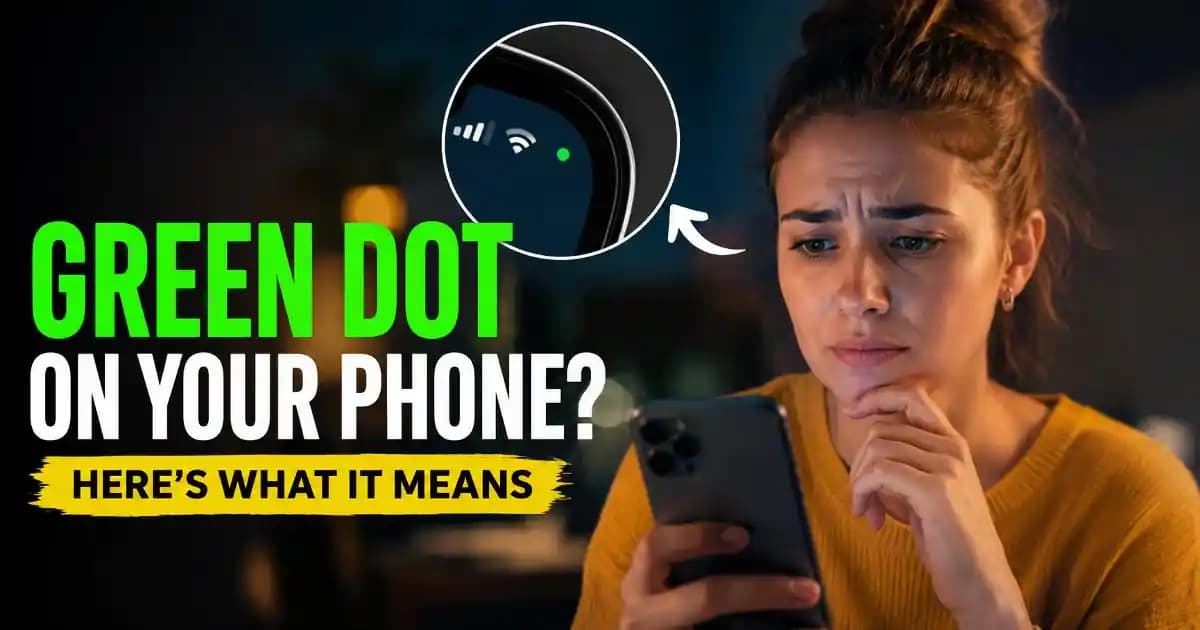
Green dot phone privacy has become a common search because many people notice a small green indicator at the top of their screen even when they are not making a call or recording a video. It can appear unexpectedly while opening an app, switching between tasks, or even moments after unlocking the device. For many users, the first reaction is concern: is someone watching, listening, or accessing personal information? In most cases, the answer is reassuring, but understanding why the indicator appears helps you distinguish normal phone behavior from activity that deserves closer attention.
Modern smartphones are designed with privacy in mind. Rather than allowing apps to quietly access sensitive hardware, operating systems now display visual indicators whenever the camera or microphone is being used. These indicators were introduced as part of a broader shift toward transparency, giving users immediate awareness of what their device is doing behind the scenes.
How green dot phone privacy works on modern smartphones
The green dot is a privacy indicator rather than a warning message. Its purpose is simple: let you know that an application is actively using the camera, the Microphone, or both. Instead of hiding these permissions deep inside system settings, Android and iPhone place a visible indicator where users naturally look while using their devices.
Although the exact appearance varies by manufacturer, the concept is consistent. The operating system monitors Access to sensitive hardware and displays an indicator whenever that access occurs. This creates an additional layer of visibility without interrupting your workflow.
On Android devices, the green dot generally represents active use of the camera or Microphone (1). On iPhone, Apple separates these indicators into different colors depending on which hardware is being accessed. Despite the visual differences, both ecosystems pursue the same privacy goal: making sensitive access impossible to ignore.
Why the green dot appears even when you are not on a call
One of the biggest misconceptions is that the green indicator only relates to phone calls. In reality, dozens of everyday apps can temporarily activate the camera or Microphone without placing a traditional call.
For example, opening a camera application naturally activates the camera. A voice recorder uses the microphone. Video meeting platforms initialize both camera and microphone Before you join a meeting. Messaging apps often prepare microphone Access when you tap the voice Message button. Even QR code scanners activate the camera for only a few seconds.
Sometimes the indicator remains visible briefly after an app finishes using the hardware. This delay is usually part of the operating system confirming that access has ended rather than evidence of Suspicious Activity.
Another common situation involves Background transitions. Imagine switching away from a video conferencing app Immediately after ending a meeting. The operating system may still be closing the camera session, causing the indicator to remain visible for a moment before disappearing.
Common situations where the green dot is expected
- Opening the camera application.
- Recording a video.
- Using voice notes in messaging apps.
- Joining video conferences.
- Scanning QR codes.
- Using document scanner apps.
- Voice assistants waiting for commands.
- Audio recording features inside productivity apps.
These situations are normal because the application clearly requires access to complete the task you Requested.
What happens behind the scenes
Every application must request Permission before Accessing the camera or microphone. Once permission is granted, the operating system continues monitoring how that permission is used. The green indicator is generated by the system itself rather than by individual apps, making it difficult for applications to hide legitimate hardware access.
This is an important distinction. A trusted app and an unfamiliar app both trigger the same system-controlled indicator. The operating system does not decide whether the app's purpose is reasonable it simply informs you that sensitive hardware is currently active.
This approach reflects a wider trend in Mobile Privacy. Instead of relying solely on permission prompts shown months earlier, platforms increasingly provide real-time visibility whenever sensitive resources are actually being used.
When the green dot deserves your attention
Most appearances of the green indicator are completely normal, but context matters.
If the indicator Appears while you are actively using an application that obviously requires the camera or microphone, there is usually no reason for concern. The situation becomes more interesting when the indicator appears while your phone seems idle or when no visible app Should require those sensors.
Unexpected behavior may include the indicator appearing repeatedly after closing every application, activating during routine browsing without obvious reason, or remaining visible for unusually long periods. These situations do not Automatically indicate spyware or malware, but they justify checking which application recently accessed the camera or microphone.
Both Android and iPhone provide privacy dashboards or permission histories that help identify recent hardware access. These tools allow users to review which apps requested sensitive permissions and decide whether those permissions still make sense.
How app permissions influence privacy
Permission decisions made months ago often explain today's privacy indicators. Many users approve camera and microphone access during Installation without thinking about future use. Over time, dozens of applications accumulate permissions that are rarely reviewed.
A Social Media application may need camera access for creating posts. A document scanner obviously requires it. A navigation app generally does not. Periodically reviewing permissions helps reduce unnecessary access while also making unexpected indicators easier to understand.
Modern operating systems increasingly support temporary permissions, allowing camera or microphone access only while an app is actively being used. Choosing these options whenever practical provides additional privacy without significantly affecting usability.
Privacy indicators reflect a broader shift in smartphone security
The green indicator is only one part of a much larger privacy strategy adopted across mobile platforms. Operating systems now provide permission managers, clipboard notifications, approximate location controls, one-time permissions, notification controls, and detailed privacy dashboards.
These features recognize that users should understand not only what information apps can access, but also when they are accessing it. Transparency has become just as important as Security itself.
Developers have also adapted their applications to these expectations. Responsible apps increasingly explain why camera or microphone access is required before requesting permission, reducing confusion when the green indicator later appears.
How everyday habits affect green dot phone privacy
Many privacy concerns arise not because phones behave unexpectedly but because users are unaware of normal software behavior. Understanding how apps initialize cameras, preload audio features, or prepare video sessions reduces unnecessary anxiety while making genuine anomalies easier to recognize.
Good digital habits include reviewing permissions occasionally, uninstalling applications you no longer use, keeping your operating system updated, downloading software from trusted app stores, and paying attention when privacy indicators appear unexpectedly. These Simple habits improve awareness without requiring advanced technical knowledge.
Equally important is resisting the urge to assume the worst every time the indicator appears. Privacy indicators were introduced to increase confidence, not create fear. Their presence usually demonstrates that the operating system is actively informing you about sensitive activity instead of hiding it.
Looking ahead
As smartphones continue integrating artificial intelligence, voice interaction, live translation, visual search, and on-device assistants, camera and microphone usage will become even more common. Privacy indicators will therefore play a larger role in helping users understand how these intelligent features operate in real time.
Future mobile platforms are likely to provide even more detailed explanations about why an app is accessing sensitive hardware, how long access lasts, and whether the processing occurs on the device or through cloud services. These improvements aim to strengthen user trust while supporting increasingly capable applications.
The next time you notice the green dot, think of it less as an alarm and more as a transparency feature. Most of the time, it simply Confirms that your phone is doing exactly what you asked it to do. When it appears unexpectedly, it serves as a useful reminder to review permissions, understand which app is active, and maintain healthy digital awareness. That balance between convenience and visibility is becoming one of the defining characteristics of modern smartphone privacy.