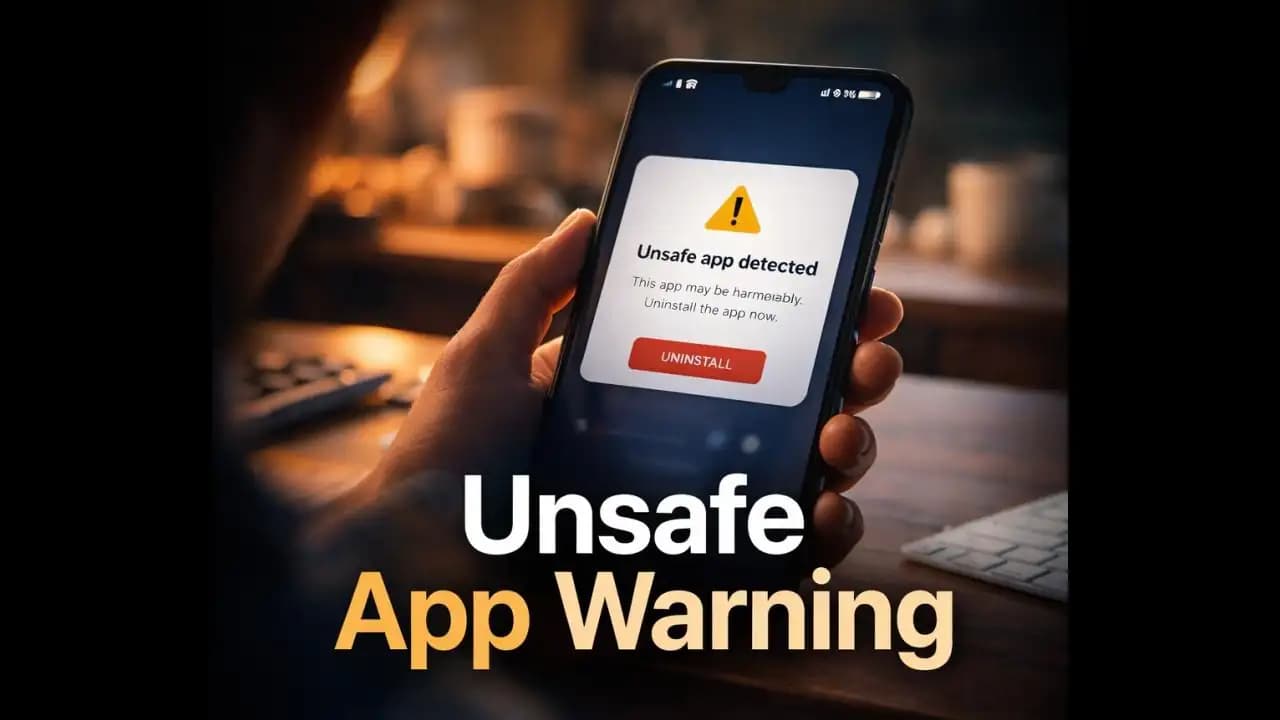
Unsafe app warning Android notifications sometimes appear unexpectedly often right after installing an app or updating one. You might be opening your phone as usual when a message pops up saying the app “may be harmful” or “could access sensitive data.” For many people, the first reaction is confusion. The app may look normal, it may even work fine, and you might wonder: Why is my phone warning me about this?
These alerts are not random. They are part of Android’s built-in Security system designed to protect users from apps that could potentially compromise their data, privacy, or Device.
Understanding what these Warnings mean can help you decide whether the alert is something to ignore or something you should take seriously.
A Situation Many Android Users Recognize
It often begins with a simple action.
You download an app from a link someone shared, from a Website, or sometimes even from the Play Store.
At first, everything seems normal.
But a few moments later, Android displays a notification such as:
“This app may be harmful.”
“For your safety, Android recommends unInstalling this app.”
Or sometimes:
“Unsafe app blocked to protect your device.”
For users who rely on their phones for banking, Messaging, and everyday tasks, seeing a Security Warning can feel unsettling.
Many people pause and ask themselves:
Is the app really dangerous? Or is Android just being overly cautious?
Why These Warnings Appear on Android Phones
Android includes a built-in protection system called Google Play Protect.
Its job is to scan apps Installed on Your Phone and look for behaviors that may pose risks.
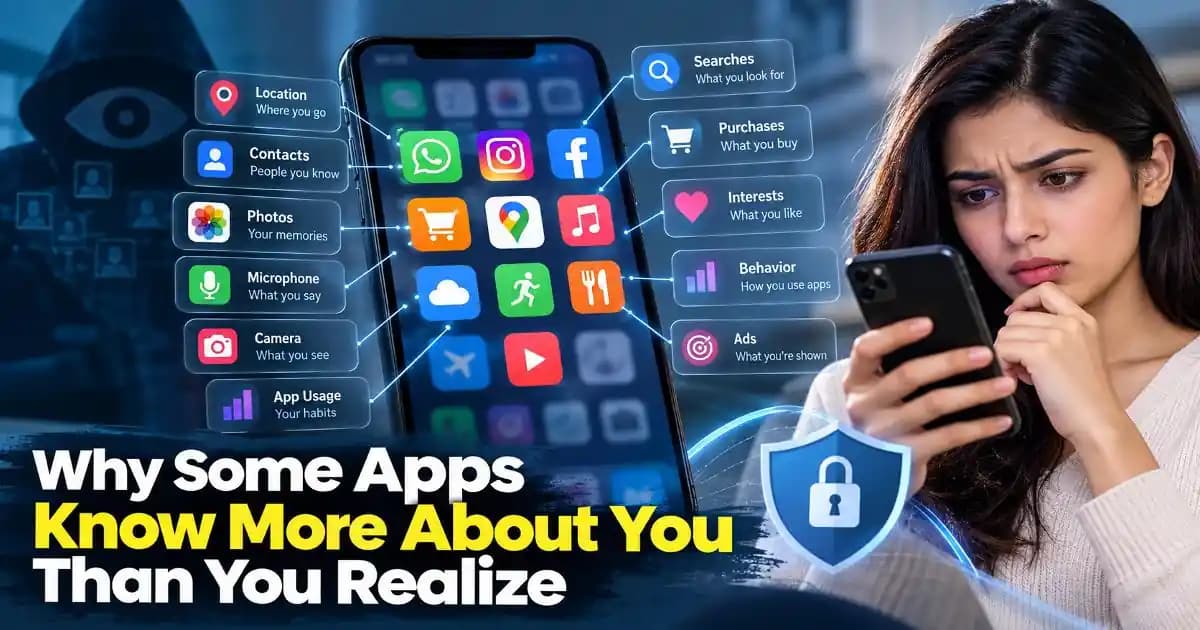
These behaviors might include apps that:
- request unusual permissions
- try to access sensitive information
- contain suspicious code
- behave differently from what the app description suggests
When the system detects something unusual, it triggers an unsafe app warning Android alert.
This doesn’t always mean the app is Confirmed to be malicious. Sometimes it simply means the app shows patterns that have previously been associated with harmful software.
Android prefers to warn users early rather than wait until damage occurs.
Common Situations That Trigger Unsafe App Warnings
Many users assume these alerts only appear for obvious malware.
In reality, several situations can trigger them.
Installing Apps Outside the Play Store
Apps downloaded from third-party websites are more likely to trigger Warnings.
This is because Android cannot always Verify the safety of apps that are not distributed through official channels.
For example, someone might install:
- a modified version of a popular game
- a “premium unlocked” app
- a file shared through Telegram or WhatsApp
Even if the app works normally, Android may still flag it as unsafe.
Apps Requesting Excessive Permissions
Some Apps ask for Permissions that do not match their function.
For example:
A simple flashlight app might request access to:
- contacts
- microphone
- location
This unusual behavior can cause Android’s Security system to raise a warning.
Apps Known for Risky Behavior
In some cases, Google identifies apps that have been reported for Suspicious behavior.
This could include apps that:
- secretly display ads
- collect personal data
- install additional software in the background
When Android detects such patterns, it warns users before the app can cause harm.
Warning Signs That the App Might Truly Be Risky
Not every unsafe app alert means the worst, but there are signs users should pay attention to.
For example, you might notice that the app:
- suddenly shows many pop-up ads
- drains your battery unusually fast
- asks for permissions unrelated to its purpose
- redirects you to strange websites
- installs additional apps without clear explanation
These behaviors often indicate that the app may not be trustworthy.
Sometimes the warning Appears only after these activities have already begun.
Why Ignoring These Warnings Can Be Dangerous
Many people dismiss security alerts because the app appears harmless.
But ignoring them can lead to several problems.
Personal Data Exposure
Some unsafe apps attempt to collect sensitive data such as:
- contacts
- messages
- browsing activity
- location history
This information may later be sold or misused.
Financial Risks
Certain malicious apps target users who have banking or payment apps installed.
They may attempt to:
- overlay fake login screens
- capture passwords
- intercept verification codes
This type of attack has become more common in recent years.
Device Performance Issues
Even apps that are not directly stealing data can still harm your Device.
They might run hidden processes that:
- drain battery
- slow the phone
- display constant advertisements
Over time, these behaviors can make the device frustrating to use.
How Mobile Threats Have Changed in Recent Years
Android security warnings have become more frequent partly because Mobile threats have evolved.
A few years ago, malicious apps were often easy to detect.
They might contain obvious malware or behave aggressively.
But by 2024 and 2025, attackers began using more subtle techniques.
For example:
- apps that appear legitimate at first
- software that activates harmful features only after installation
- apps that mimic popular services or tools
Some malicious apps even stay inactive for days before starting suspicious behavior.
Because of these tactics, Android’s detection systems now monitor apps continuously, not just during installation.
This explains why a warning may appear days after installing an app.
Simple Ways to Stay Safer on Android
You do not need advanced technical knowledge to reduce your risk.
A few simple habits can make a big difference.
Download Apps From Trusted Sources
Whenever possible, install apps directly from the Google Play Store.
Apps there go through security checks before being published.
While this is not perfect, it greatly reduces risk.
Check App Permissions Carefully
Before installing an app, take a moment to review the Permissions it Requests.
Ask yourself:
Does a photo editing app really need access to my contacts?
If something seems unnecessary, reconsider installing the app.
Read Reviews and Ratings
User reviews often reveal suspicious behavior before official warnings appear.
If many users report Problems such as ads, pop-ups, or Privacy concerns, it may be best to avoid the app.
Pay Attention to Security Alerts
When Android displays an unsafe app warning, treat it as a signal worth investigating.
You do not need to panic.
But ignoring the Message entirely may expose your device to unnecessary risk.
A Small Alert That Can Prevent Bigger Problems
The unsafe app warning Android message may feel inconvenient when it interrupts what you were doing.
But these alerts exist for a reason.
Smartphones now hold an enormous amount of personal information photos, conversations, banking apps, and work Accounts.
Even a single unsafe app can create unexpected problems.
Taking a moment to review a security warning, uninstall a suspicious app, or reconsider where an app came from can prevent much larger issues later.
In a world where mobile apps appear every day, a little caution goes a long way.
FAQ
What does an unsafe app warning on Android mean?
An unsafe app warning on Android usually appears when the system detects behavior that could pose a security or privacy risk. This may include unusual permissions, suspicious code, or apps installed from untrusted sources.
Should I uninstall an app if Android says it may be harmful?
If Android recommends uninstalling an app, it is generally safer to remove it. You can always reinstall the app later if you confirm that it is legitimate and safe.
Can apps from the Play Store still trigger unsafe app warnings?
Yes. Although rare, some apps from the Play Store may later be flagged if new risks are discovered. In such cases, Android may warn users even after the app has been installed.
Is the unsafe app warning Android alert always accurate?
The warning system is designed to protect users, but it may occasionally flag apps that are not actually harmful. When this Happens, it is still wise to review the app’s permissions, developer reputation, and user reviews before deciding to keep it installed.