


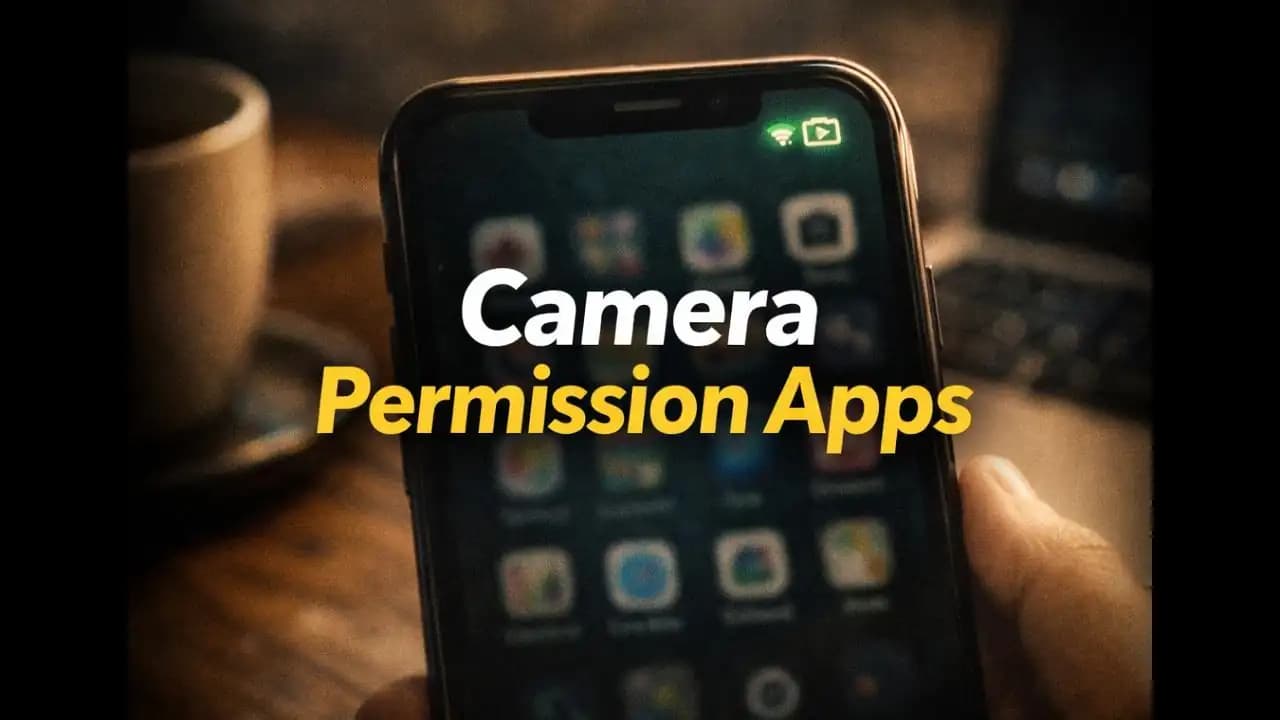
Camera permission apps are becoming a quiet concern for many smartphone users who suddenly notice their camera indicator turning on even when they are not taking photos. You might be scrolling through a social media app, checking messages, or browsing the web when a small camera icon briefly appears at the top of your screen.
For a moment, you wonder: Did an app just access my camera?
In many cases, the answer is yes. And while some camera access is completely normal, the way certain apps request or use camera Permissions has raised questions for many users in recent months.
Understanding how camera Permission (1)s work and why some apps Request them even when they don't seem necessarycan help you make better decisions about the apps installed on your phone.
The Situation Many Smartphone Users Are Experiencing
Imagine this common scenario.
You download a simple appmaybe a shopping app, a photo editor, or a utility tool like a QR scanner. During installation, the app asks for several Permission agains:
- Camera
- Storage
- Contacts
- Location
At the time, you may quickly tap “Allow” just to start using the app.
Weeks later, you’re using Your Phone normally when you notice something strange. A small camera indicator briefly lights up in the corner of your screen.
But you weren’t taking a photo.
The camera app wasn’t open.
And you weren’t recording anything.
Moments like this have become a growing point of confusion for many smartphone users, especially as modern operating systems now display indicators whenever an app Accesses the camera or microphone.
Often, users start wondering:
- Is my phone spying on me?
- Is an app secretly recording?
- Should I remove certain apps?
While the answer is usually less dramatic than it feels, the situation still deserves attention.
Why Some Apps Request Camera Access
Camera Permissions exist because many legitimate features require access to your Device’s camera.
For example, apps may use the camera to:
- Scan QR codes
- Upload profile photos
- Record short videos
- Use augmented reality filters
- Enable document scanning
In these situations, camera access makes sense.
But problems begin when apps request camera permissions even though the feature isn’t clearly necessary.
For instance, users sometimes notice that apps such as:
- flashlight tools
- wallpaper apps
- casual games
- shopping apps
request camera access during installation.
In many cases, users simply approve the Request without questioning why the app needs it.
Over time, these permissions remain activeeven when the camera feature is rarely used.
Why People Are Suddenly Noticing This More Often
In the past, apps could access certain hardware features quietly in the Background.
But recent updates to Android and iOS have made this behavior more visible.
Modern smartphones now display camera and microphone indicators whenever an app activates them.
This small change has made many users aware of something they never noticed Before.
For example:
- Android shows a green dot or icon when the camera is active.
- iPhones show a green indicator in the status bar.
Because of these alerts, people now notice camera access that previously happened silently.
This doesn’t necessarily mean something new or Dangerous is happeningit simply means the system is being more transparent.
However, that transparency has also revealed that some apps Request permissions they may not actually need.
Warning Signs That an App May Be Requesting Too Much Access
Not every app that asks for camera permission is Suspicious. But there are a few patterns that Should raise questions.
The App Has No Clear Camera Feature
If an app’s purpose has nothing to do with photos or scanning, camera access may not be necessary.
For example, a basic puzzle game rarely needs camera permission.
The App Requests Multiple Unrelated Permissions
Some apps request several permissions at once, including:
- Camera
- Contacts
- Location
- Microphone
While certain apps genuinely need these features, others request them simply to collect more data.
Camera Access Happens at Odd Times
If the camera indicator Appears while you are not using any camera-related feature, it may be worth checking which app accessed it.
Both Android and iOS allow users to review recent permission usage.
The App Comes From an Unknown Developer
Apps from smaller or unfamiliar developers may not always follow the same Privacy practices as larger companies.
This doesn’t mean they are malicious, but it’s wise to review permissions carefully.
Why Excessive Camera Permissions Can Be Risky
Even when apps are not intentionally harmful, granting unnecessary permissions can still create privacy concerns.
Data Collection
Some apps analyze images or camera activity for advertising or analytics purposes.
While this is usually disclosed in privacy policies, many users never read those documents.
Increased Security Risk
If an app with camera permission becomes compromisedeither Through a vulnerability or malicious updateit could potentially misuse that access.
Unintended Background Behavior
Certain poorly designed apps may trigger camera access unintentionally while performing other functions.
This can lead to unexpected activity and user concern.
How Camera Permission Practices Have Changed in 2024–2025
In the past two years, Mobile operating systems have taken stronger steps to address permission concerns.
Many newer devices now include features such as:
- Permission dashboards showing which apps accessed the camera recently
- Temporary permissions that expire after one use
- Automatic permission resets for unused apps
These changes were introduced partly because researchers and privacy experts noticed that some apps requested more permissions than necessary.
Another trend observed in 2024 and 2025 is the growing awareness among users.
People are paying more attention to privacy indicators and Asking questions when something looks unusual.
This awareness has pushed app developers to be more transparent about how they use camera access.
Simple Ways to Stay in Control of Camera Permissions
Managing camera permissions doesn’t require technical knowledge. A few Simple habits can significantly improve your privacy.
Review Your App Permissions Periodically
Most smartphones allow you to see which apps currently have access to the camera.
Checking this list occasionally can reveal permissions you may have forgotten about.
Remove Access From Apps That Don’t Need It
If an app doesn’t clearly require the camera, you can disable the permission without deleting the app.
If the feature ever becomes necessary, the app will simply ask again.
Be Careful When Installing New Apps
When Installing a new app, take a moment to read the permission request.
If something seems unrelated to the app’s purpose, it’s worth reconsidering.
Install Apps From Trusted Sources
Apps from official app stores are generally safer because they undergo Security review processes.
However, even in official stores, reviewing permissions remains important.
A Small Permission That Deserves Your Attention
Most camera permission apps are not malicious, and many use camera access responsibly for legitimate features.
But the increasing visibility of camera indicators has reminded many users that smartphone privacy depends on small decisions made during app installation.
Granting a permission takes only a secondbut that permission can remain active for months or years.
Taking a few moments to review which apps can access your camera can help you stay informed about how your device is being used.
In a world where smartphones have become deeply integrated into daily life, awareness is one of the most powerful tools for maintaining digital safety.
FAQ
Why does my phone show a camera indicator when I’m not taking pictures?
Modern smartphones display a camera indicator whenever an app activates the camera. Sometimes this Happens when an app scans a QR code, loads a camera-based feature, or performs background functions related to image capture.
How can I see which apps are using my camera?
Both Android and iOS provide privacy dashboards where users can review recent camera access. These sections show which apps have used the camera and when.
Should I remove camera permission from apps?
If an app doesn’t clearly require camera functionality, it’s reasonable to disable the permission. Most apps will continue to work normally without it.
Can apps secretly record through the camera?
Modern mobile operating systems make this difficult by showing visual indicators when the camera is active. However, reviewing app permissions regularly is still a good privacy practice.






