


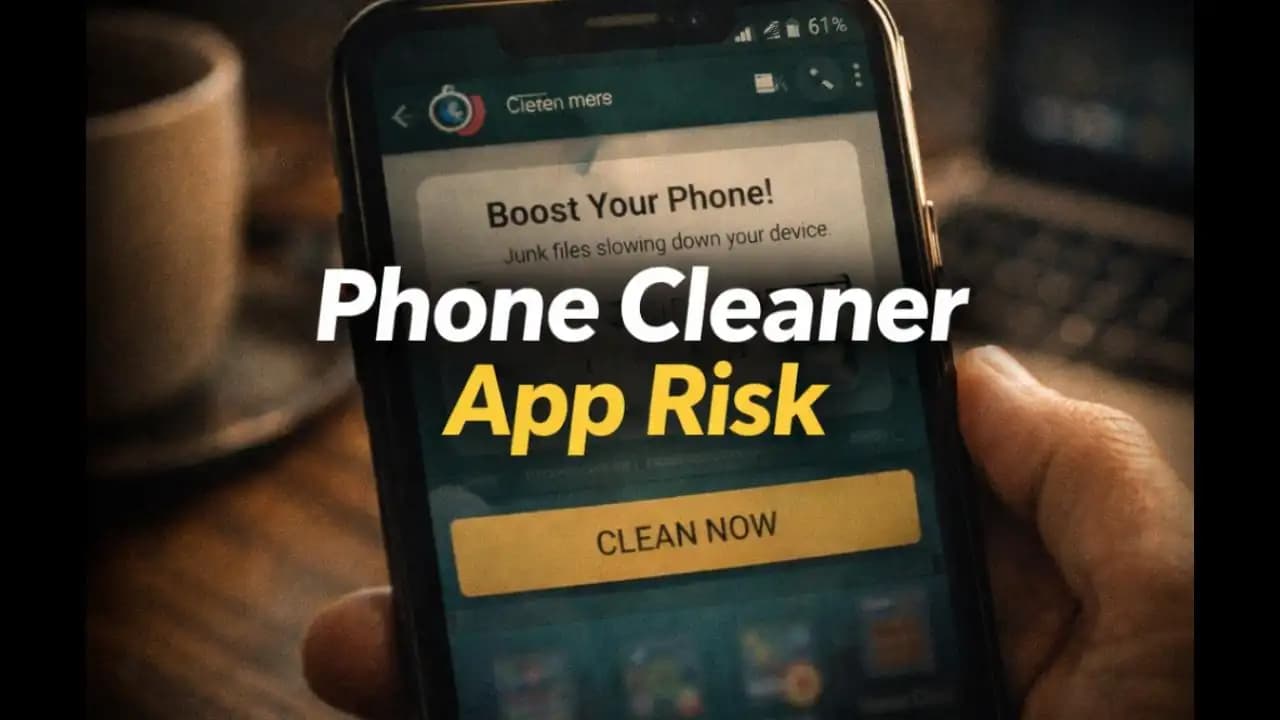
Phone cleaner app risk is becoming a growing concern as many Android users install “speed booster” or “cleaner” apps hoping to make their phones faster, only to later notice strange permissions, constant ads, or unexpected notifications. These apps often promise quick fixes clearing memory, improving battery life, and boosting performancebut in many cases the results are very different from what users expect.
For everyday smartphone users, the situation can be confusing. An app that claims to protect or optimize your phone Should help your device run better. Yet in recent months, many people have discovered that some cleaner apps can create new Privacy concerns instead of solving performance problems.
Understanding how these apps workand why some of them Request unnecessary accesscan help you decide whether Installing one is truly worth it.
A Situation Many Android Users Recognize
Imagine your phone starts feeling slower than usual.
Apps take longer to open. Storage space seems full. Notifications appear suggesting your device needs cleaning.
You open the Play Store and search for something simple: “phone cleaner.”
Within seconds, you see dozens of apps promising Things like:
- “Boost your phone in one tap”
- “Clean junk files instantly”
- “Speed up your device by 70%”
Many of these apps have bright icons, large download numbers, and five-star reviews. It’s easy to assume they’re helpful tools.
So you install one.
During setup, the app asks for several permissions:
- Storage access
- Accessibility permissions
- App usage data
- Sometimes even contacts or location
At the time, it seems normal. After all, the app needs to analyze Your Phone to clean it.
But after a few days, something starts to feel different.
Your phone shows more ads than before. Notifications keep appearing saying your phone is “at risk.” The cleaner app continues running in the Background.
Instead of making your phone faster, it begins to feel more intrusive.
Why These Apps Are Suddenly Everywhere
Cleaner and optimizer apps have existed for many years. But in recent months, their visibility has increased dramatically.
One reason is simple: many smartphone users worry about device performance.
As phones age and storage fills up, people naturally search for ways to improve speed. Developers know this, and some design apps that target those concerns directly.
Another factor is how easy it is to publish apps. While official app stores review submissions, Thousands of new apps appear every week.
Some developers create cleaner apps primarily to generate advertising revenue. The more users Install the app and keep it Running, the more ads they can display.
This creates an incentive to design apps that look helpfulbut may Request more Permissions than they truly need.
Warning Signs a Phone Cleaner App May Not Be Safe
Not every cleaner app is harmful. Some legitimate tools provide useful storage management features.
However, certain patterns appear repeatedly in apps that raise Privacy concerns.
Too Many Permissions
A basic cleaning app usually needs storage Access to Identify large files or cached data.
But if the app requests permissions like:
- Contacts
- Location
- Accessibility control
- Camera or microphone
those requests deserve a closer look.
Many users approve them automatically without asking why.
Constant “Urgent” Notifications
Some cleaner apps repeatedly send alerts such as:
- “Your phone is overheating!”
- “Your device is 98% full!”
- “Boost now to prevent damage!”
These notifications often create a sense of urgency, encouraging users to open the app frequently.
Excessive Ads
One of the most common complaints about optimization apps is the number of advertisements they display.
Instead of improving performance, the app may load multiple ads each time it opens.
Running in the Background All the Time
Ironically, apps that promise to speed up your phone sometimes run continuously in the Background, consuming memory and battery.
Why the Phone Cleaner App Risk Matters
At first glance, these apps may seem more annoying than Dangerous. But the broader issue is how they collect and use data.
Data Access
If an app has access to usage data or accessibility Permissions, it may be able to see which apps you open and how long you use them.
This information can be used for targeted advertising or analytics.
Privacy Concerns
Permissions like accessibility access are powerful. They allow apps to observe interactions on your screen.
While legitimate tools sometimes require these permissions, users Should grant them carefully.
Performance Impact
Ironically, apps designed to “boost” your device can sometimes slow it down by:
- Running background services
- Displaying frequent ads
- Sending constant notifications
For older phones with limited memory, this can actually reduce performance.
How These Apps Have Evolved in 2024–2025
In the past few years, cleaner apps have changed significantly.
Earlier versions focused mainly on deleting temporary files or clearing app caches.
Today, many apps advertise additional features such as:
- battery optimization
- antivirus scanning
- notification blocking
- device cooling
These features sound helpful, but they often require broader permissions.
Security researchers in 2024 and 2025 have also noted that some optimization apps include aggressive advertising frameworks.
These frameworks generate revenue by showing full-screen ads or promoting other apps.
Because these apps appear useful at first glance, many users install them without questioning how they operate behind the scenes.
Simple Ways to Protect Yourself
The good news is that keeping your phone clean and fast usually doesn’t require extra apps at all.
Most modern smartphones already include built-in tools for managing storage and performance.
Use Your Phone’s Built-In Storage Tools
Android devices typically include storage management features that show large files and unused apps.
These tools are often safer than third-party cleaner apps.
Review App Permissions Before Installing
When Installing an app, look at the permissions it requests.
If a Simple cleaner tool asks for extensive access, consider whether that permission is truly necessary.
Read Reviews Carefully
App store ratings can sometimes be misleading.
Look for reviews that mention:
- intrusive ads
- unusual permissions
- background activity
These comments often reveal real user experiences.
Remove Apps That Feel Suspicious
If an app sends constant alerts or shows Excessive ads, uninstalling it is often the simplest solution.
In many cases, removing unnecessary apps can improve phone performance more than installing new ones.
A Reminder About “Quick Fix” Apps
Smartphones are powerful devices, but they don’t always need constant optimization.
Many people install cleaner apps hoping for a quick solution to slow performance. Yet in practice, the best improvements often come from simple actions:
- deleting unused apps
- clearing old files
- updating the system
The phone cleaner app risk highlights a broader lesson about mobile security: tools that promise instant solutions sometimes introduce new problems.
Taking a moment to understand what an app actually doesand what permissions it requestscan help you avoid unnecessary risks while keeping your device running smoothly.
FAQ
Are phone cleaner apps safe to use?
Some cleaner apps are legitimate, but others request unnecessary permissions or display excessive advertising. It’s important to review permissions and choose apps carefully.
Do Android phones really need cleaner apps?
In most cases, no. Modern Android devices include built-in storage management tools that can handle many cleaning tasks without installing additional apps.
Why do phone cleaner apps ask for accessibility permissions?
Accessibility permissions allow apps to monitor screen activity and control certain functions. While some features may use this access, it also provides powerful control, so it should only be granted to trusted apps.
Can a phone cleaner app slow down my phone?
Yes. Some cleaner apps run background processes or show frequent ads, which can consume memory and battery power, potentially making the phone slower instead of faster.






