Apps collecting data after install is something many smartphone users don’t realize is happening. You download an app, use it once or twice, and forget about it. But behind the scenes, that same app may continue gathering information about your device, location, or activity even when you’re not actively using it. For many people, the discovery often begins with a strange moment: their phone battery drains faster than usual, ads suddenly seem too accurate, or notifications appear from apps they barely remember installing.
In recent months, discussions around mobile Privacy have grown louder, especially as more people notice how certain apps behave long after installation. Understanding why this happens can help you take back control of Your Phone and the information it shares.
A Common Situation Many Smartphone Users Experience
Imagine Installing a new app because a Friend recommended it.
It might be a Simple utilityperhaps a photo editor, a shopping app, or a game.
You open it once, explore its Features, and then move on with your day.
But days later, you start noticing small changes.
Your phone displays notifications from the app even when you haven't opened it recently. Ads on other apps Suddenly relate to something you searched for earlier. Your battery seems to drain slightly faster.
Sometimes users even receive alerts like:
“Allow location access for better experience.”
Or
“Enable activity tracking to improve recommendations.”
Even if you decline these prompts, the app may still collect certain types of data that were already permitted during Installation.
This is when many people start wondering what the app is actually doing in the Background.
Why Some Apps Continue Running After Installation
Most apps are designed to remain active in some form after you install them.
This doesn’t always mean something harmful is happening. In many cases, background Activity is part of how modern apps function.
For example, apps may collect data to:
- Deliver notifications
- Sync information with servers
- Update content automatically
- Improve app performance
- Personalize recommendations
For instance, a weather app might periodically check your Location to update forecasts. A Messaging app might stay active to receive new Messages instantly.
However, some apps collect far more information than users expect.
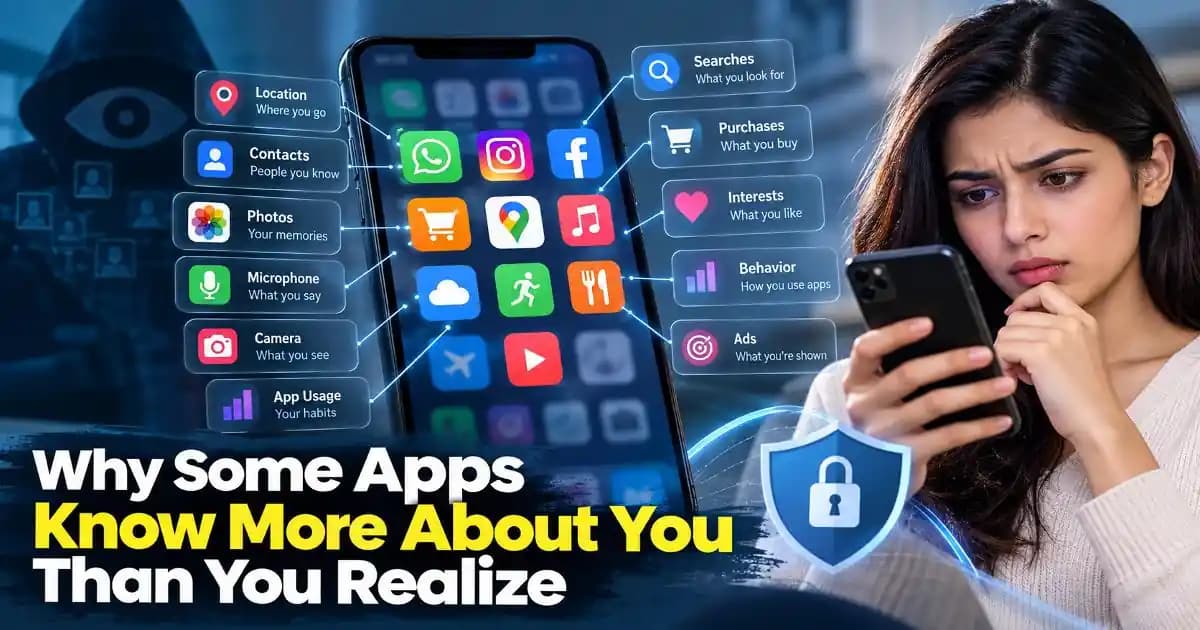
Depending on permissions, an app may access:
- Location data
- Device information
- Usage patterns
- Contacts
- Advertising identifiers
The amount of data collected often depends on the Permissions granted during installation.
Warning Signs an App May Be Collecting More Data Than Expected
While Background activity is normal for many apps, certain behaviors may suggest that an app is Collecting more information than necessary.
One common sign is frequent permission requests.
For example, a simple flashlight app Asking for Access to Contacts or location may raise questions.
Another sign is unusual battery or data usage.
If your phone’s settings show that a rarely used app is consuming significant background data, it might be worth investigating.
Users may also notice apps Requesting Permissions unrelated to their main purpose.
Examples include:
- A game requesting access to call logs
- A photo editor requesting microphone access
- A shopping app requesting constant location tracking
These Requests don’t always mean the app is malicious, but they can indicate aggressive Data Collection practices.
Checking app Permissions periodically can reveal which apps have access to sensitive information.
Why Excessive Data Collection Can Be Risky
Data collection itself is not automatically dangerous.
Many legitimate apps collect limited information to function properly.
However, excessive data collection can introduce Privacy Concerns.
For example, data collected by apps may be used to build detailed profiles about users. This information can then be used for targeted Advertising or Shared with third-party services.
In some cases, the collected data includes:
- Browsing behavior
- Location patterns
- Device identifiers
- App usage habits
If the app developer experiences a data breach or Security issue, that information could potentially be exposed.
Another concern is that users often grant permissions without fully reviewing them.
Once access is granted, the app may continue collecting information quietly in the background.
This is why understanding app permissions has become increasingly important for smartphone users.
How App Data Collection Has Changed in 2024–2025
In 2024 and 2025, mobile operating systems have introduced stronger privacy controls.
Both Android and iOS platforms now offer clearer permission management tools, allowing users to see exactly which apps access certain features.
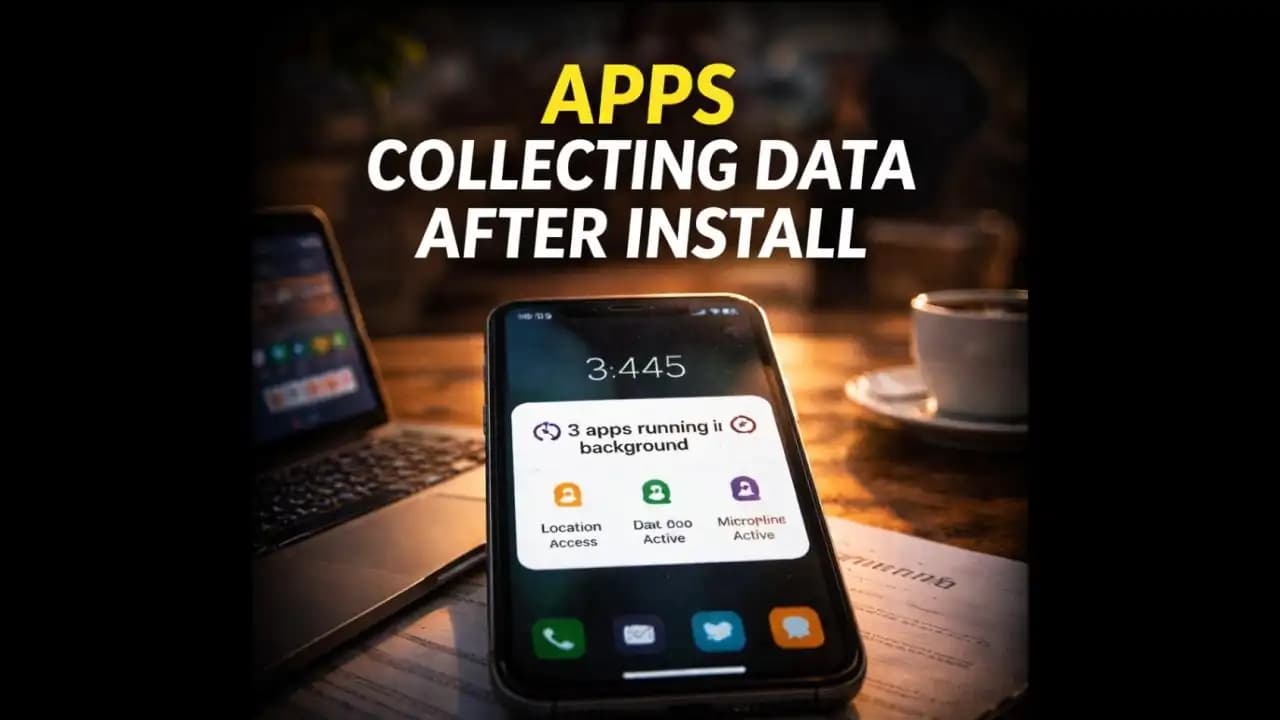
For example, many phones now display indicators when apps use:
- The microphone
- The camera
- Location services
Users can also review which apps accessed specific data within the past 24 hours.
Despite these improvements, some apps continue to rely on background data collection for analytics and advertising.
This means the issue isn’t always malicious behaviorit’s often part of the modern digital advertising ecosystem.
Still, awareness is growing as more people review their app permissions and limit unnecessary Tracking.
Many users now regularly remove apps they rarely use.
Simple Ways to Reduce Unwanted Data Collection
You don’t need advanced technical knowledge to manage how apps interact with your phone.
A few simple habits can significantly reduce unnecessary data collection.
First, review app permissions regularly.
Most smartphones allow you to see which apps have access to:
- Location
- Camera
- Microphone
- Contacts
- Files and media
If an app doesn’t truly need a permission, it’s often safe to disable it.
Another helpful step is removing apps you no longer use.
Unused apps can still remain active in the background, occasionally checking for updates or sending data.
You can also disable background activity for certain apps through your phone’s battery or app settings.
This prevents the app from running processes when it’s not open.
Finally, pay attention during installation.
Before granting permissions, consider whether the request makes sense for the app’s purpose.
A Little Awareness Goes a Long Way
Apps collecting data after install is not always a sign of malicious behavior. In many cases, it’s simply how modern apps deliver Personalized experiences and real-time updates.
However, understanding how apps interact with your device helps you make better decisions about privacy.
The apps on your phone have access to more information than many people realize.
Taking a few minutes to review permissions and remove unnecessary apps can reduce the amount of data shared daily.
Your smartphone Should work for younot quietly monitor more information than necessary.
Staying aware of how apps behave in the background is one of the simplest ways to maintain control over your digital privacy.
FAQ
Do apps collect data even when not in use?
Yes. Some apps run background processes that collect limited data for updates, notifications, analytics, or advertising. This activity can continue even when the app is not actively open.
How can I check which apps are collecting data on my phone?
Most smartphones include privacy settings that show which apps accessed location, camera, microphone, or other features. You can review these settings and adjust permissions anytime.
Is background data collection always harmful?
Not necessarily. Many apps use background activity for legitimate purposes such as syncing Messages or updating content. Problems arise when apps collect more data than necessary.
How can I stop apps from collecting unnecessary data?
You can limit app permissions, disable background activity, and uninstall apps you no longer use. Reviewing permissions regularly helps reduce unnecessary tracking.